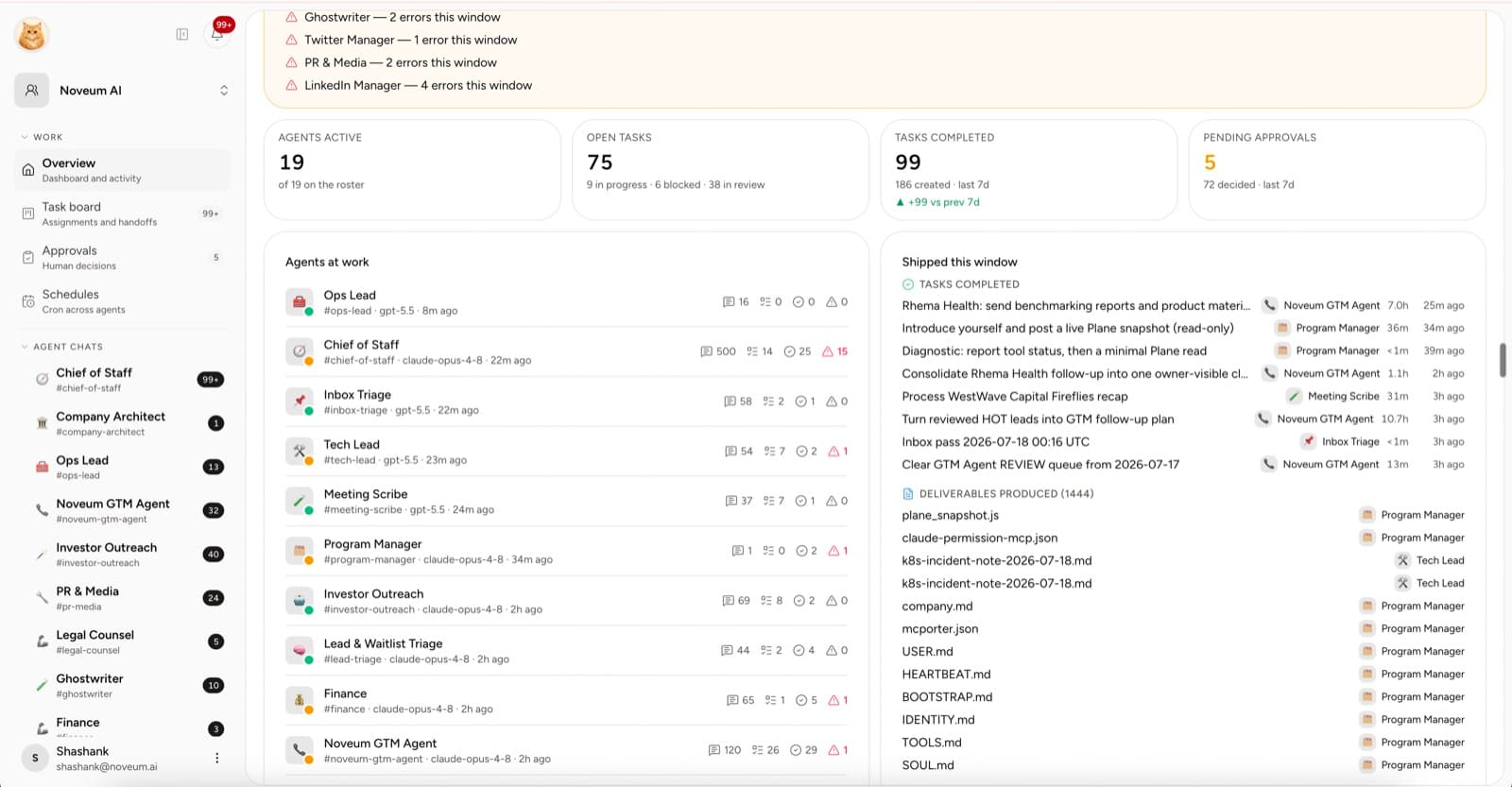
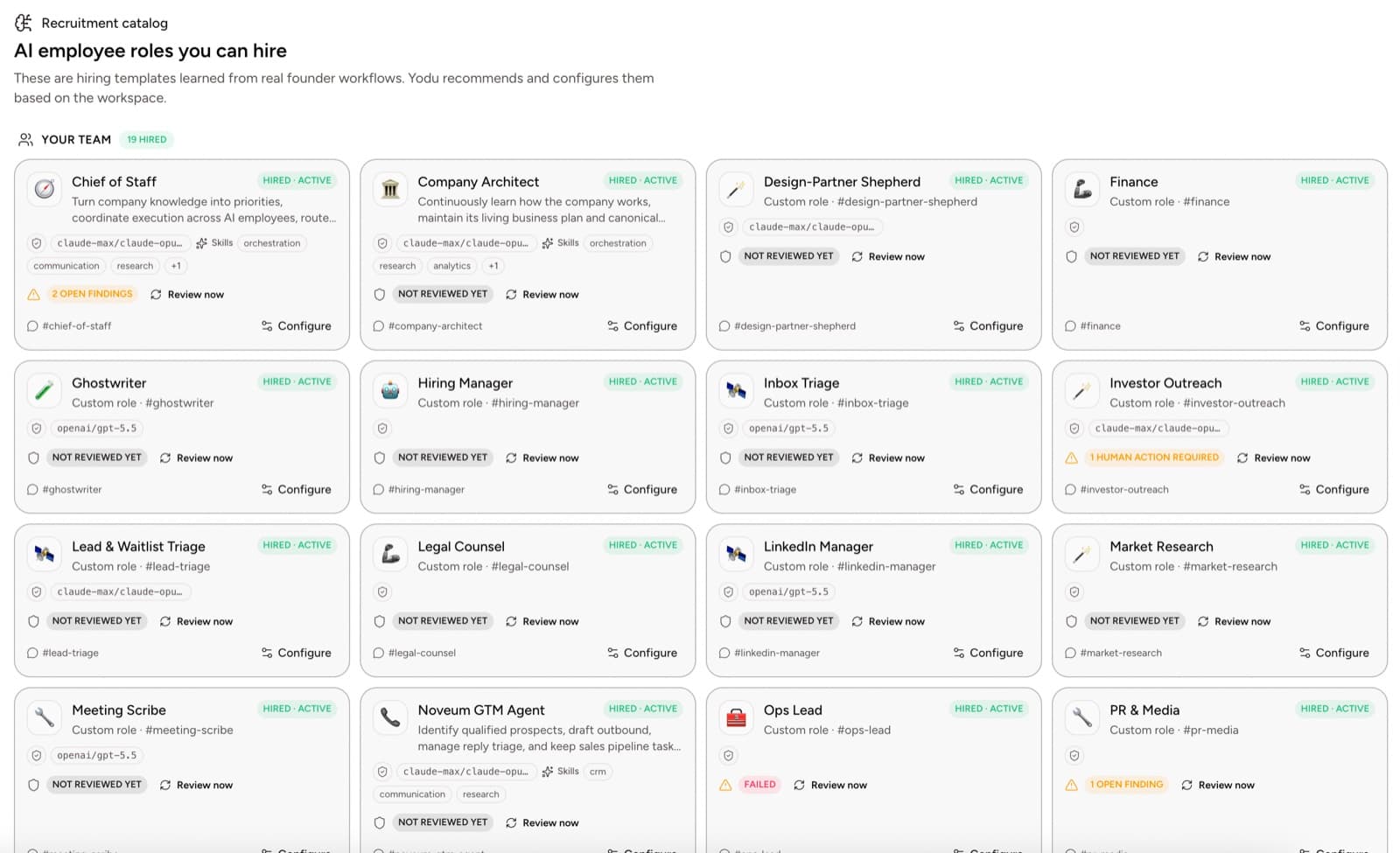
The wrong way to measure an AI employee is message count, token count, or how many tasks it says it completed.
The right question is: did the company receive useful, accepted work at a better cost or speed than before?
That sounds obvious, but it changes how you set up the role.
Quick answer
Measure AI employee ROI with accepted outputs, major rework, cycle time, human hands-on time, blocked time, and total cost per accepted result. Establish the old workflow first, keep risk metrics beside productivity metrics, and compare one role and task type at a time. Messages and generated tokens are activity, not business value.
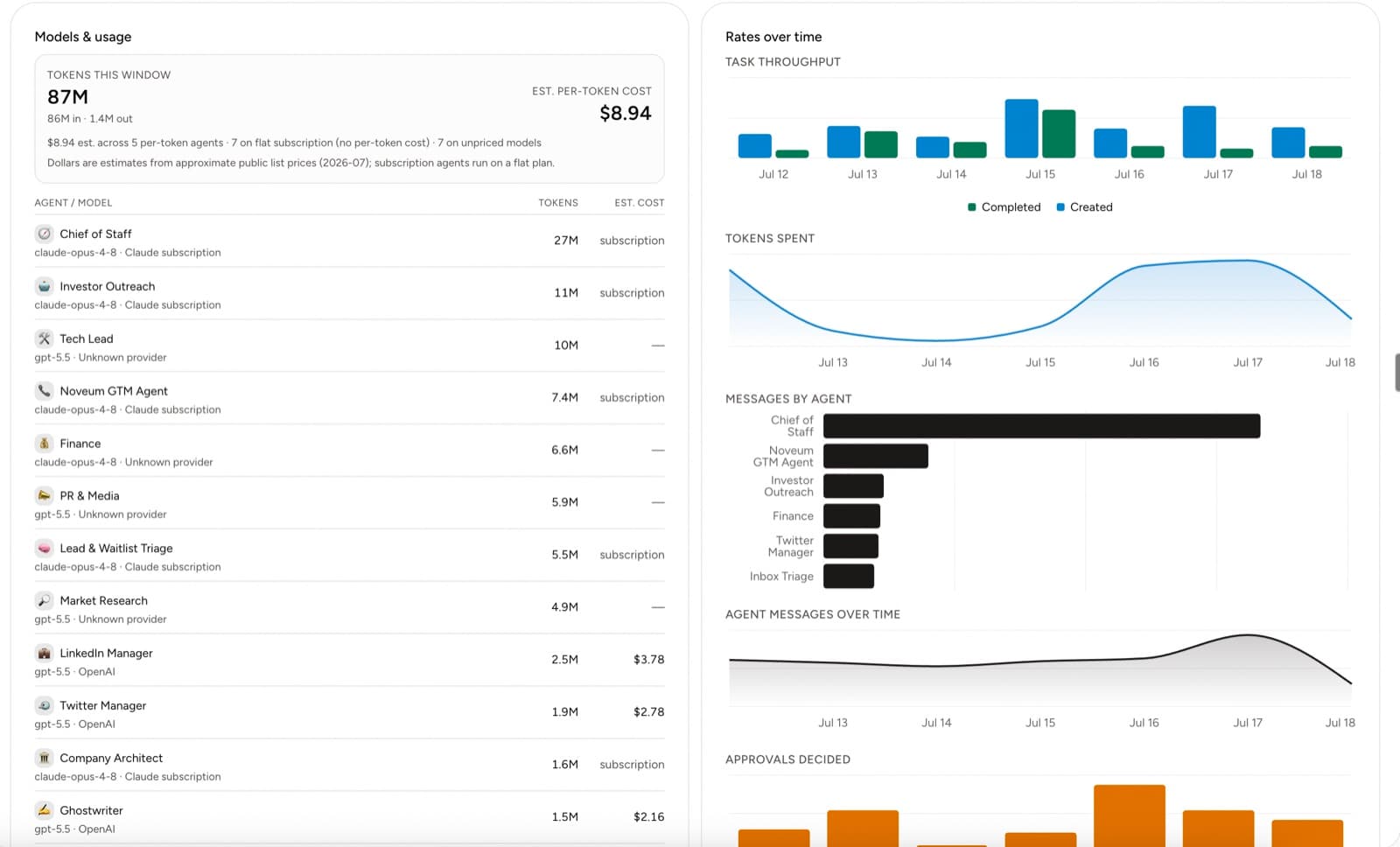
The workspace usage view is where these numbers come from. Every employee reports tokens, estimated cost, and throughput in one place:
Why most AI scorecards fail
McKinsey's 2025 State of AI survey found that nearly two-thirds of organizations had not begun scaling AI across the enterprise, and only 39% reported EBIT impact. High performers were much more likely to redesign workflows rather than add AI to the old process.
If the workflow does not change, the metric usually becomes “how much AI did we use?” That is adoption, not value.
Controlled studies show why local measurement matters. An NBER field study reported a 13.8% increase in issues resolved per hour for support agents using AI assistance, while GitHub reported a 55% faster completion time for one defined coding experiment. Those are different jobs, tools, and outcome measures. Neither is a universal ROI forecast.
Establish the baseline first
Choose one job and record the current process for two weeks.
Measure:
- tasks requested
- tasks completed
- elapsed time
- human hands-on time
- missed or delayed work
- outside spend
- quality or error rate
Example:
| Baseline item | Value |
| ------------------------------- | ---------------------------- |
| Weekly account briefs | 8 |
| Founder hands-on time | 4.5 hours |
| Average lead time | 2.2 days |
| Briefs needing major correction | 2 |
| Cost | Founder time plus data tools |
Without the baseline, a faster-looking dashboard can hide more human review.
Define an accepted output
Write the acceptance criteria before assigning the work.
For a research brief:
- covers the requested companies
- cites current sources
- separates facts from inference
- follows the requested structure
- requires less than ten minutes of human correction
For a sales follow-up:
- uses the correct account context
- reflects the call or thread
- contains no invented claims
- follows company voice
- remains a draft until approved
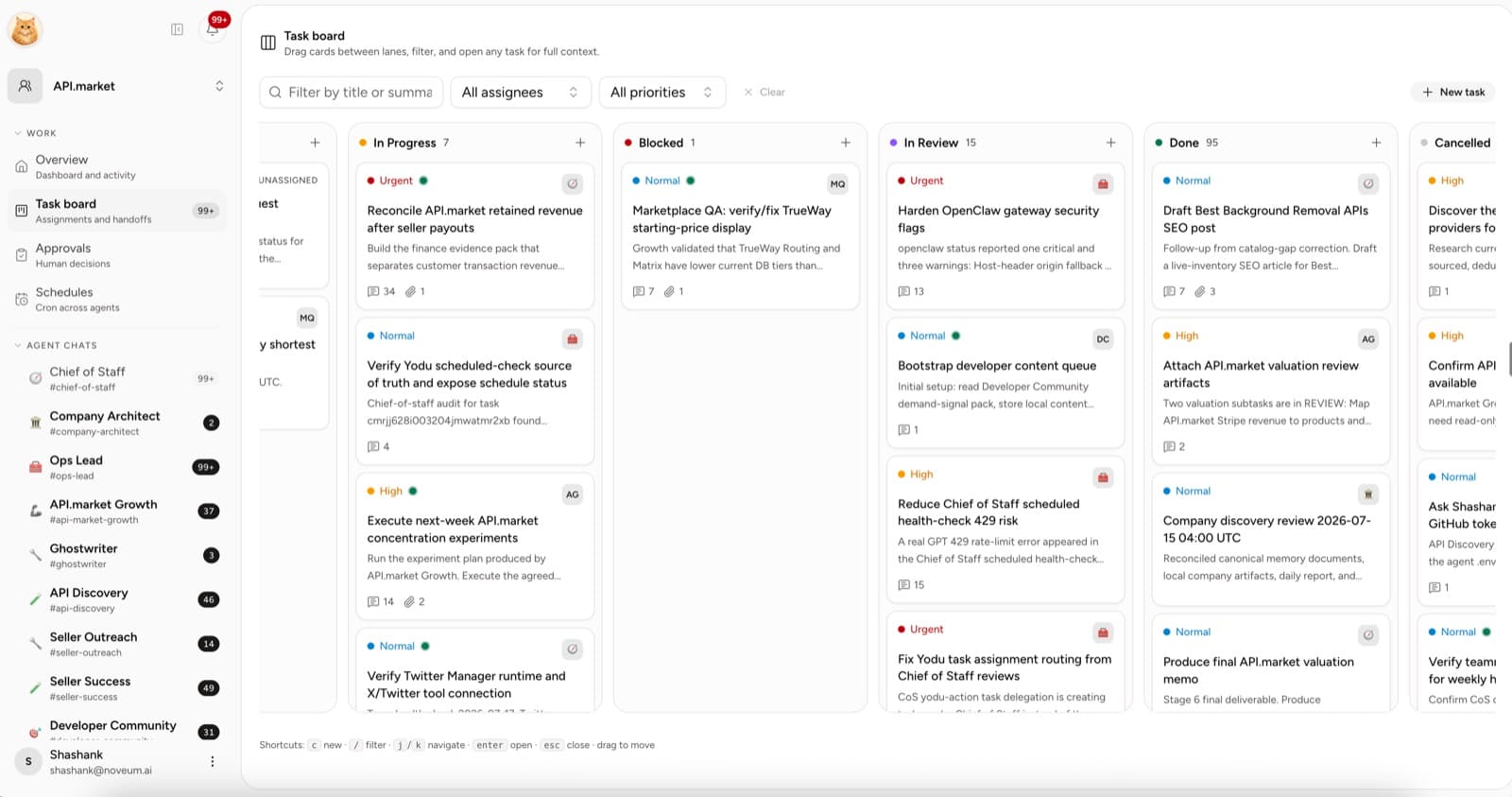
The task should make the criteria visible.
Use seven operating metrics
1. Acceptance rate
accepted outputs / reviewed outputs
This is the clearest signal that the role, context, and output format are working.
2. Major rework rate
outputs requiring substantial revision / reviewed outputs
Track major rework separately from copy edits. A 90% acceptance rate is meaningless if every “accepted” output needs an hour of rewriting.
3. Cycle time
Measure assignment to accepted output, not assignment to first response.
4. Human hands-on time
Count briefing, answering questions, review, correction, and moving the output. This is the coordination cost.
5. Blocked time
Track time waiting for missing context, access, or a human decision. A high number often means the process is under-specified, not that the model is weak.
6. Cost per accepted output
model cost + paid tool cost + allocated platform cost / accepted outputs
Include retries and discarded work.
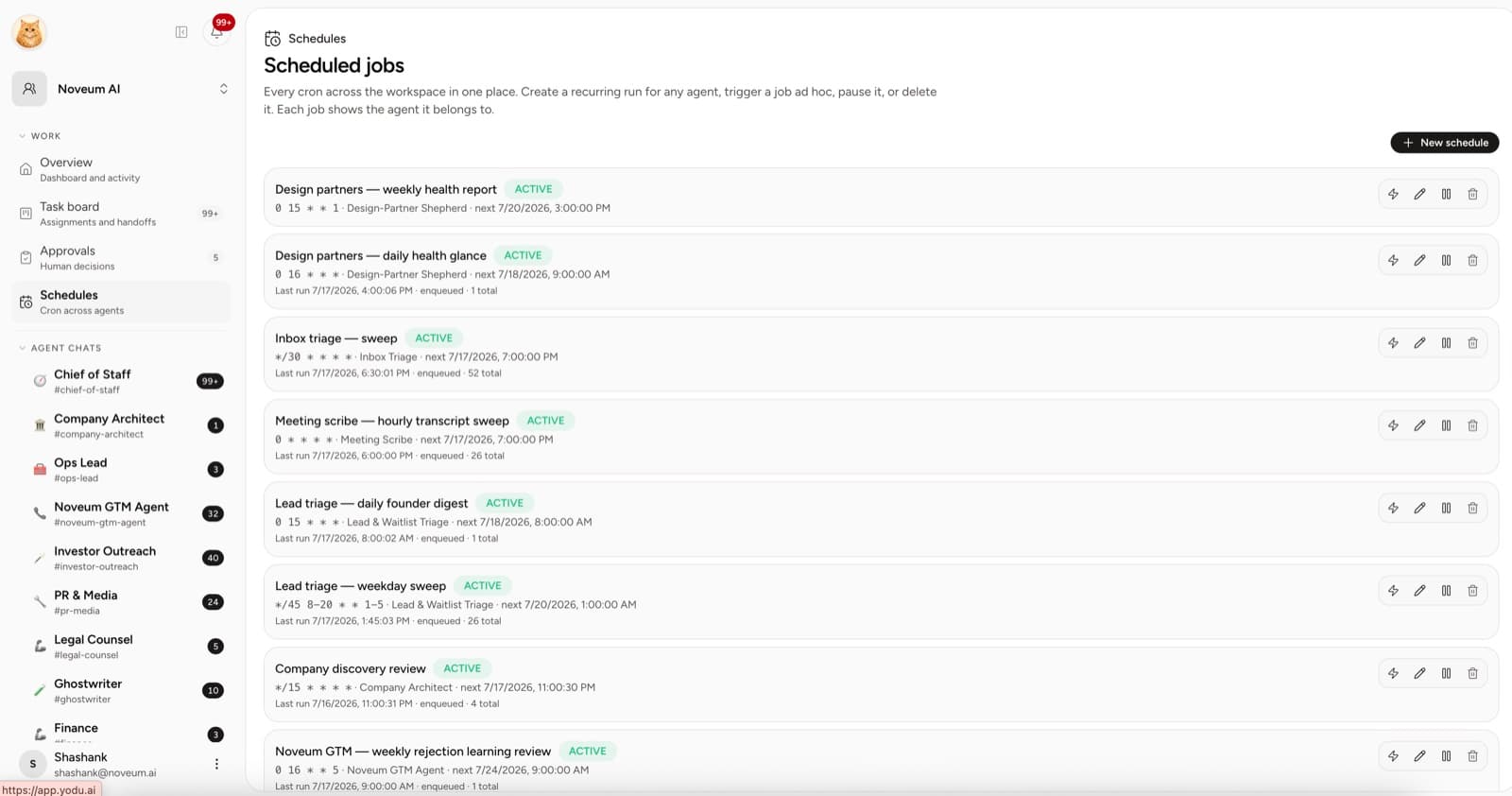
7. Schedule usefulness
scheduled outputs used / scheduled outputs created
Recurring work that nobody reads is automated waste.
Add risk metrics for consequential work
For external or sensitive workflows, track:
- approvals requested
- approvals denied
- wrong-account attempts
- policy violations
- incidents or reversals
- tools switched off after review
One serious incident can erase a month of time savings. ROI must include downside.
Calculate the economic case
A simple monthly model:
Value of accepted work
- model and tool spend
- platform spend
- human review cost
- expected incident cost
= net monthly value
Use a realistic hourly cost for human time. Do not value every AI output as if a senior specialist would have produced it. Value the accepted result against the actual alternative: founder time, contractor spend, delayed work, or work that would not have happened.
Example scorecard
| Metric | Baseline | Month 1 | Target |
| ----------------------- | -------: | ------: | ----------: |
| Accepted briefs | 6 | 18 | 20 |
| Major rework rate | 25% | 17% | <10% |
| Median cycle time | 2.2 days | 6 hours | <4 hours |
| Human time per brief | 34 min | 12 min | <10 min |
| Cost per accepted brief | $42 | $9 | <$10 |
| Evidence coverage | 70% | 94% | >95% |
These numbers are an example template, not Yodu customer results.
Review by role, not only workspace
One strong research employee can hide a weak content employee in an aggregate number. Track the scorecard by role and workflow.
Retire a role when it produces more coordination than accepted work. Change the skill when the same correction repeats. Change the model when quality or cost remains poor after the job and context are sound.
The decision rule
An AI employee is earning its place when:
- accepted work increases
- human hands-on time falls
- cycle time improves
- cost per accepted output is reasonable
- risk stays inside the company's tolerance
Everything else is activity.
Put the scorecard to work
Use the task board and approvals guide to collect outcome evidence, compare the broader model for running a company with AI employees, then apply the weekly process for auditing AI employee work.