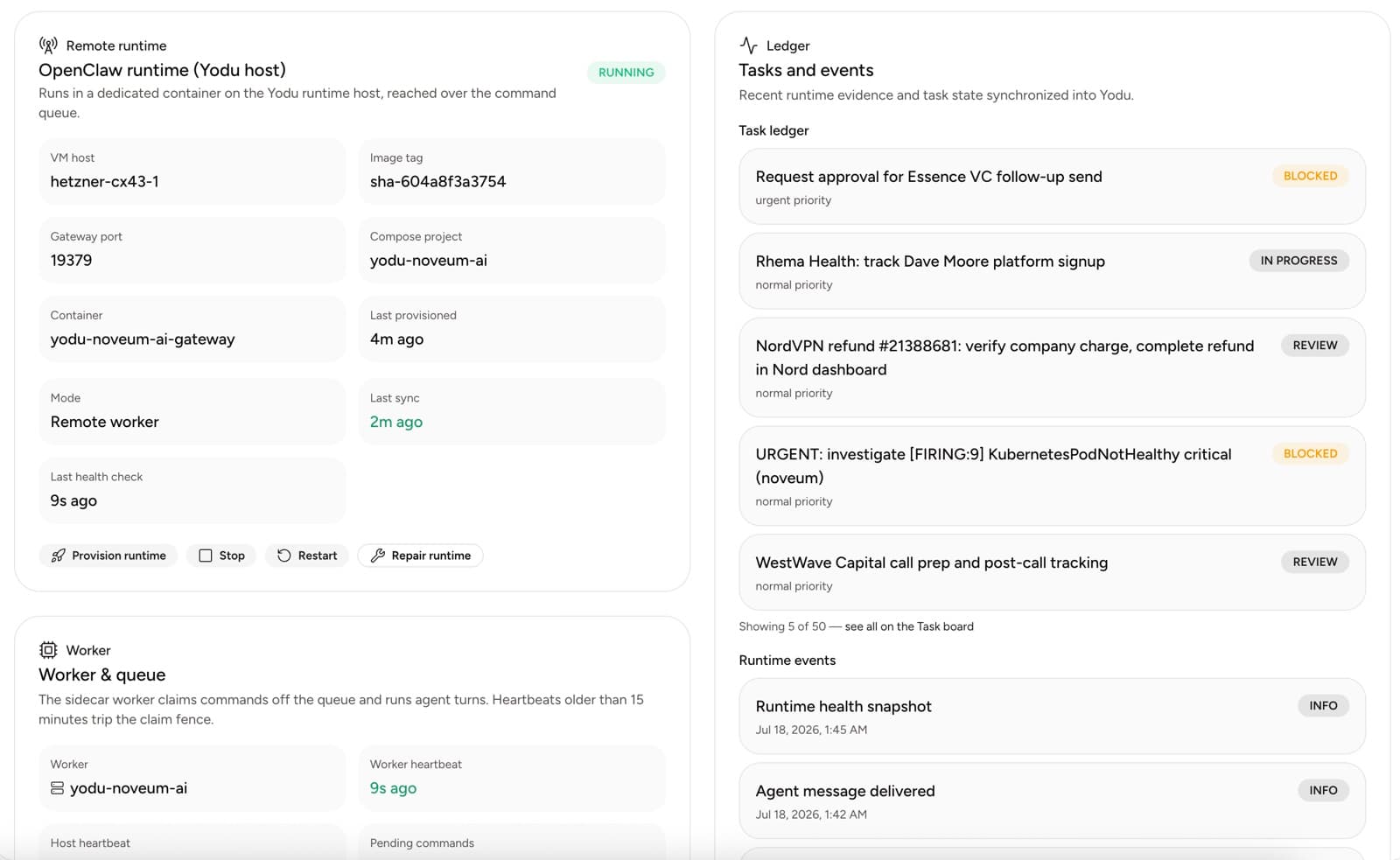
A healthy MCP server is not automatically a safe MCP server.
Health proves that the endpoint can be reached and speaks the expected protocol. Safety depends on authorization, tool design, data scope, employee switches, and review.
Quick answer
Secure an MCP server by exposing the smallest useful tool surface, enforcing authorization at the server, using HTTPS and short-lived scoped credentials, validating every request, granting one employee first, and requiring human approval for consequential actions. A successful health check proves reachability, not least privilege or safe behavior.
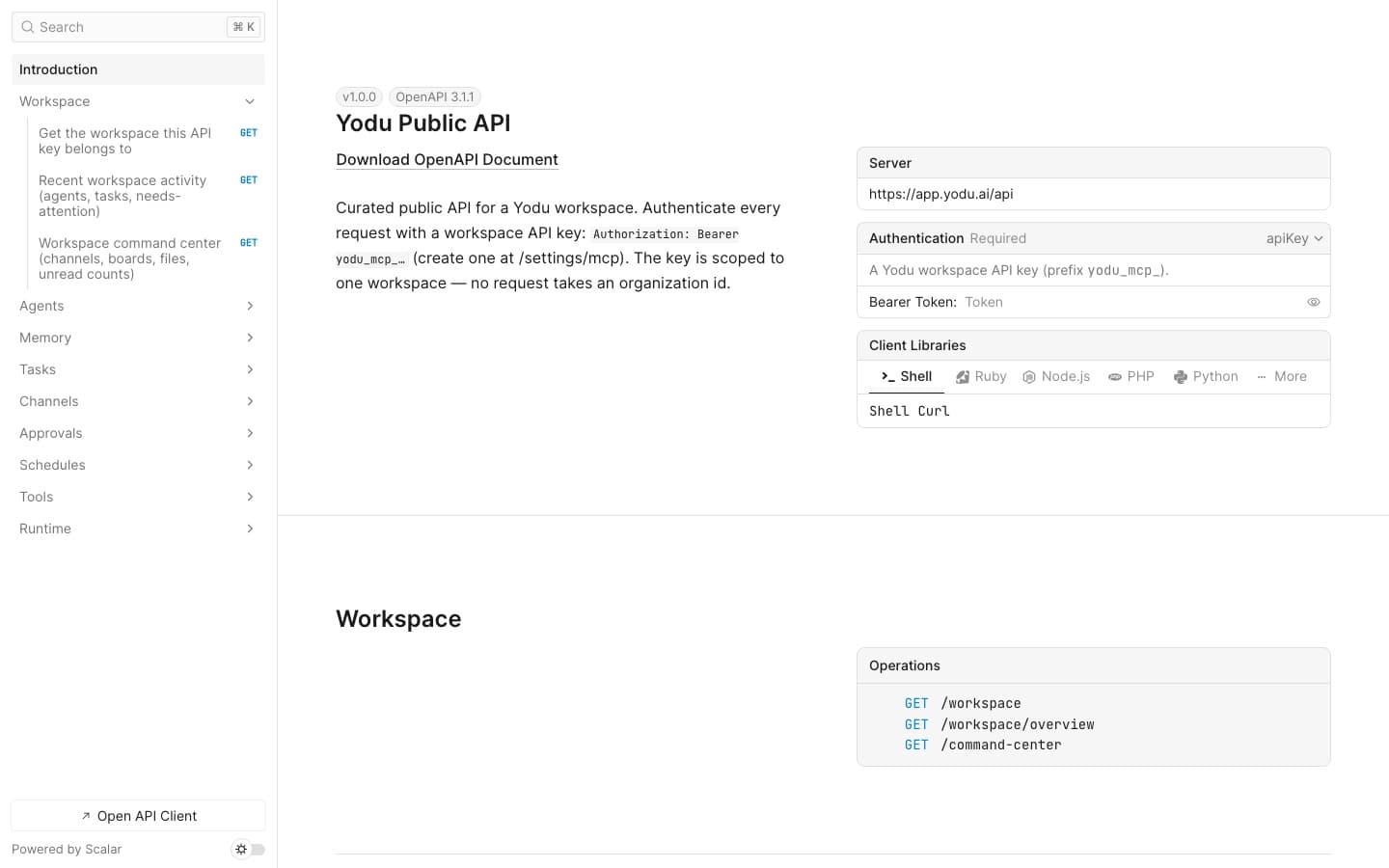
First identify the direction of the connection. Platform MCP lets an external client operate one Yodu workspace; employee MCP usage lets a Yodu employee call an external server; a custom MCP entry stores that external server's workspace configuration. Apply separate keys, scopes, and reviews to each boundary. See Yodu scopes and security for the Platform MCP side.
1. Define the business need
Write the exact job the server enables.
Good:
Let the support lead retrieve the last 30 days of product usage for one customer while investigating a ticket.
Weak:
Give the AI access to our backend.
If the need cannot be described narrowly, the tool surface is probably too broad.
2. Expose narrow tools
Prefer one business action per tool:
get_customer_usagesearch_contractslist_open_invoicesdraft_crm_note
Avoid:
run_sqlexecute_codeadmin_actiondo_everything
Narrow names are not enough. Validate inputs, enforce authorization on the server, and limit the data returned.
3. Protect authorization
The official MCP authorization specification uses OAuth 2.1, protected-resource metadata, authorization-server discovery, resource indicators, and S256 PKCE for remote protected servers.
Prefer:
- scoped access
- revocable credentials
- short-lived tokens
- audience and resource validation
- server-side authorization on every call
Yodu supports workspace-shared OAuth and static request headers. OAuth tokens refresh behind Yodu's central gateway and neither credential type is written to employee runtime files. If a provider requires a pre-registered application, a workspace manager can supply its client ID, optional secret, scopes, and token authentication method in advanced settings. Enter credentials only in that settings flow—never in chat, memory, files, or task descriptions.
4. Use HTTPS and a dedicated endpoint
The endpoint should be remotely reachable over HTTPS. Keep production MCP tools on a dedicated, monitored route rather than exposing a general internal admin API.
5. Verify health
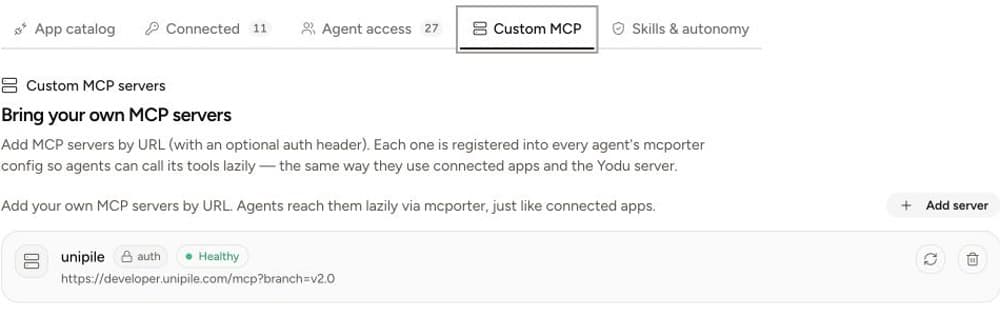
Add the server under Tool access → Custom MCP and wait for the health state. Use re-test after changing the URL or credential.
Health confirms basic connectivity. Continue with a tool-level test.
6. Start read-only
Choose a tool that reads a known record. Assign the test to one employee with a known input and expected output.
Verify:
- the employee can call only the intended capability
- the server returns only the necessary fields
- another workspace or employee cannot reuse the access improperly
- the output contains no secret or unrelated customer data
- the request is visible in the server's own logs
7. Switch it on for one employee
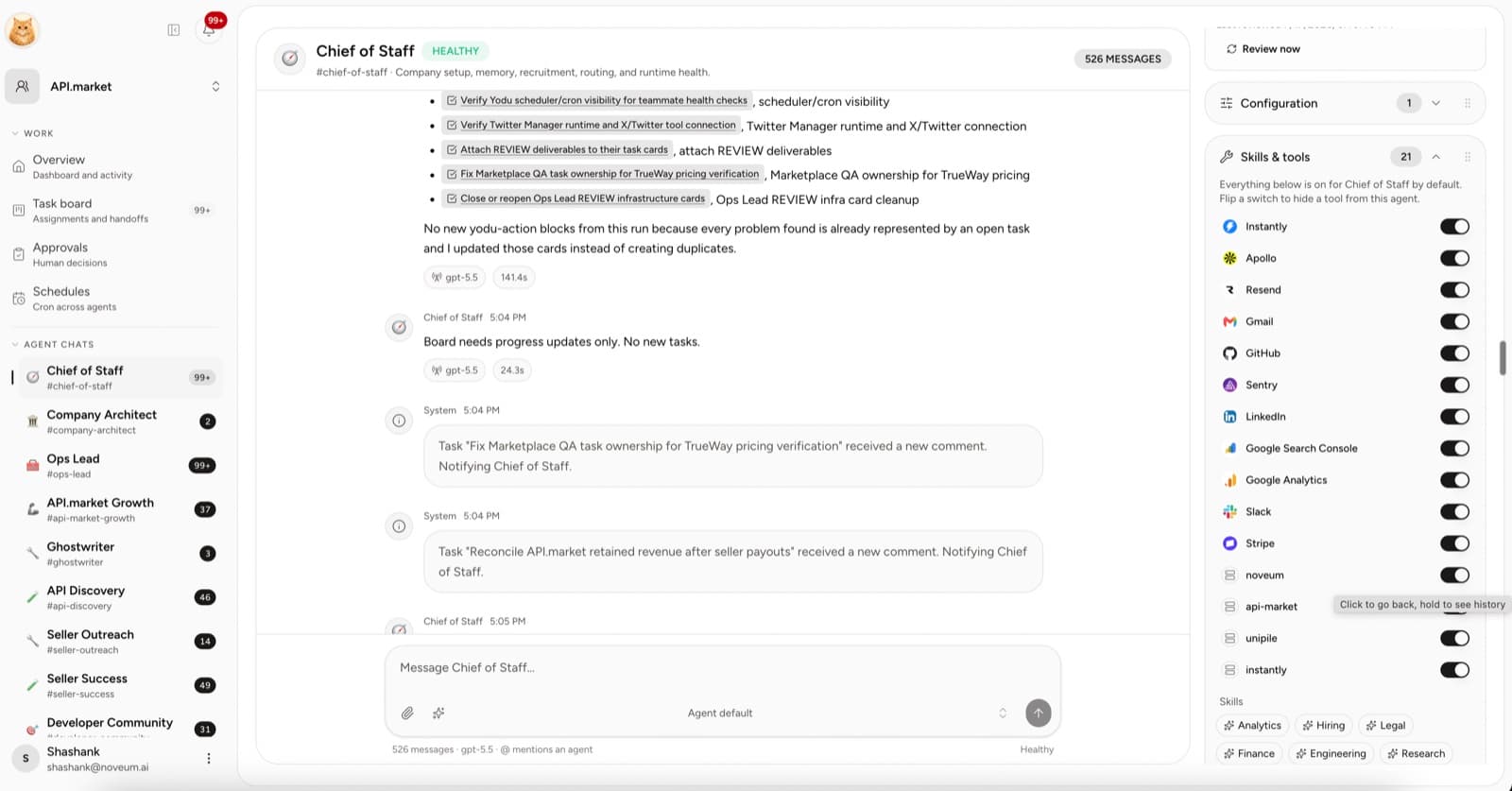
Do not make the capability broadly available because the server is healthy. A custom MCP server follows the same rule as a catalog app: one switch per employee, on means the employee sees the tools, off hides them entirely. Leave it on for the role that needs the job and switch it off for everyone else. Consequential actions still pause at the approval gate.
8. Gate consequential actions
Require human approval when an MCP tool can:
- send or publish externally
- spend or refund money
- modify customer records
- delete data
- change production
- change repository state
- alter canonical company context
OWASP's Top 10 for Agentic Applications identifies excessive agency as a central risk. The per-employee switch, the approval gate, and the MCP server's own authorization should reinforce each other.
9. Test hostile and mistaken input
Include:
- missing customer ID
- malformed input
- a customer outside the employee's scope
- instruction text asking the tool to ignore policy
- an action that requires approval
- an expired or revoked credential
The server must reject invalid or unauthorized requests even if the model asks confidently.
10. Plan removal before launch
Know how to:
- revoke the credential
- switch the server off for the employee
- pause dependent schedules
- remove the server from Yodu
- identify tasks and files produced through it
In Yodu, removing a custom MCP server immediately removes its local gateway credential for the entire workspace and attempts provider-side token revocation. Dependent runtime entries are also queued for cleanup.
Operational scorecard
| Metric | Why it matters |
| ------------------------- | ----------------------------------- |
| Health-check success | Basic availability |
| Authorized tool success | Whether scoped calls work |
| Denied-request rate | Whether policy is being exercised |
| Wrong-scope tests blocked | Authorization quality |
| Approval rejection rate | Whether write requests are sensible |
| Credential age | Rotation hygiene |
| Unused tools exposed | Excess attack surface |
Final checklist
- [ ] One clear business job
- [ ] Narrow tool surface
- [ ] HTTPS endpoint
- [ ] Scoped, revocable authorization
- [ ] Read-only first test
- [ ] Switched on for one employee only
- [ ] Human approval for consequential actions
- [ ] Server-side authorization and input validation
- [ ] Removal and incident plan
Connect the smallest useful surface. Expand from evidence, not from the convenience of having one powerful endpoint.
Apply the checklist
Follow the custom MCP server guide, review MCP servers and AI tool integrations, then confirm how Yodu separates workspace connections from employee switches.