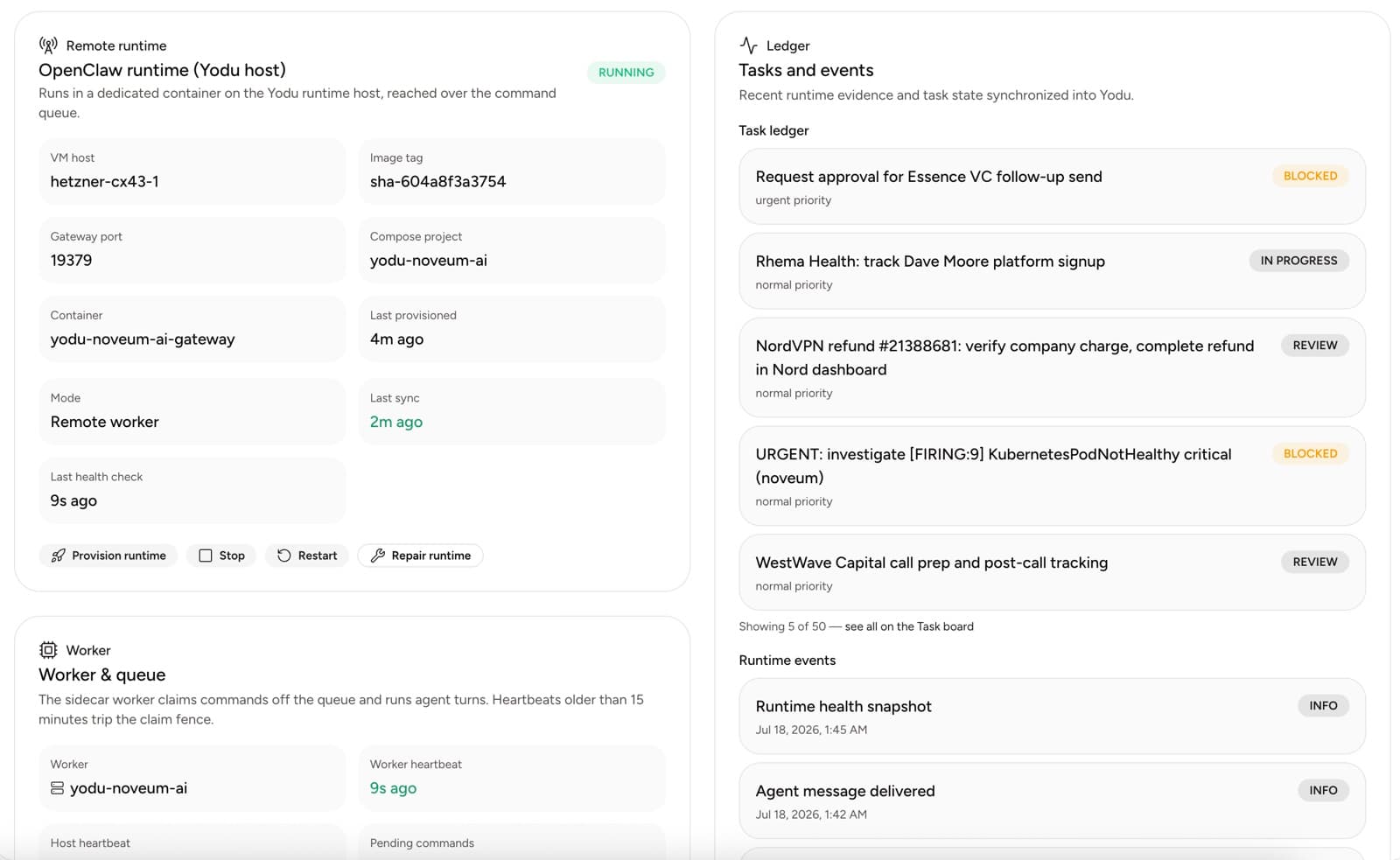
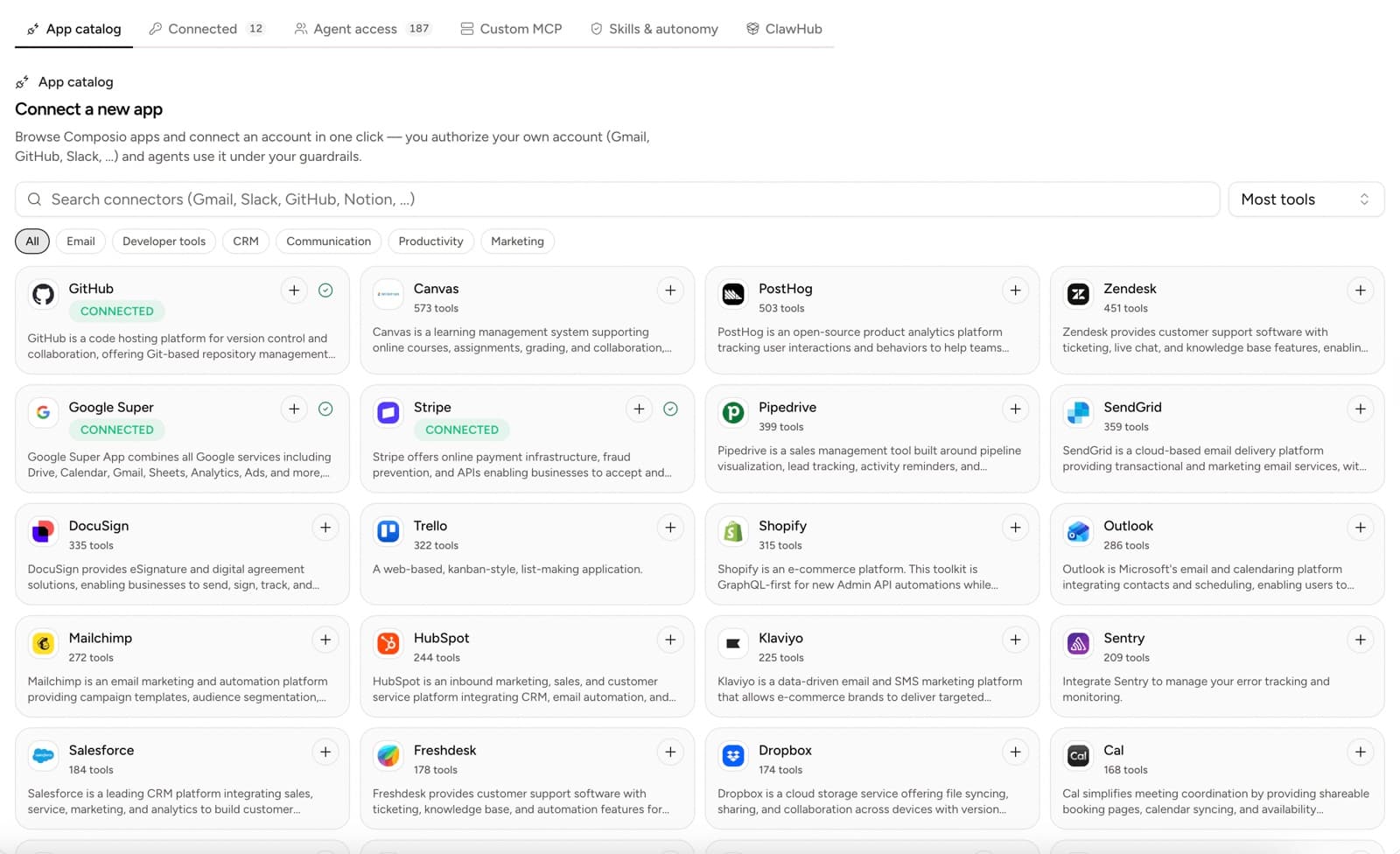
Until this week, every tool on every Yodu employee had a permission tier: draft-only, approval-required, autonomous, or revoked. Today that whole matrix is gone. Each connected app or custom MCP server is now a single switch per employee: on or off.
This is a launch note about deleting a feature, and about why the deletion made the product safer.
Quick answer
Yodu replaced its four per-tool permission tiers (draft-only, approval-required, autonomous, revoked) with one switch per employee for each connected app or custom MCP server. On, the default, means the employee sees and uses the tool. Off hides the tool from the model entirely. Risk control now lives in one place: the approval gate, which pauses anything external or irreversible for a human decision.
The audit that killed the tiers
The tier matrix looked like enterprise control. A workspace with a dozen connected apps and eight employees could carry close to two hundred grant rows, each with its own dropdown. It photographed well in demos.
Then we traced what each tier actually did at runtime.
Revoked worked. The employee could not use the tool.
Approval required was redundant. The thing that pauses a risky action in Yodu is the approval gate, a runtime check that stops anything external or irreversible and asks a human. That gate fires whether or not the dropdown says so. The tier was a label on top of enforcement that already existed.
Autonomous was misleading in the other direction. It never skipped the gate for irreversible actions, because we were never willing to let it. Users read "autonomous" and assumed sends would go out unattended. They did not.
Draft only was an instruction, not a boundary. The model usually followed it. "Usually" is not a security property.
So three of the four options changed what the configuration screen said, not what the system did. Enforcement lived in one place, the approval gate, and the tiers were borrowing its credibility. A control that does not change behavior is not a control. It is theater, and theater is worse than nothing because people trust it. OWASP's guidance for securing agentic applications treats excessive agency and weak tool boundaries as practical risks; a boundary that only exists in the UI is exactly that.
What shipped instead
Tool access is now a boolean, set per employee for each connected app from the Composio catalog and each custom MCP server.
On, the default, means the employee sees the tool and can use it.
Off means the tool is hidden from that employee entirely. It does not appear in the employee's tool list. The model never receives the tool definition, so it cannot call the tool, ask about it, or reason its way toward it. Off is enforced before the model sees anything, which is why we can actually promise it.
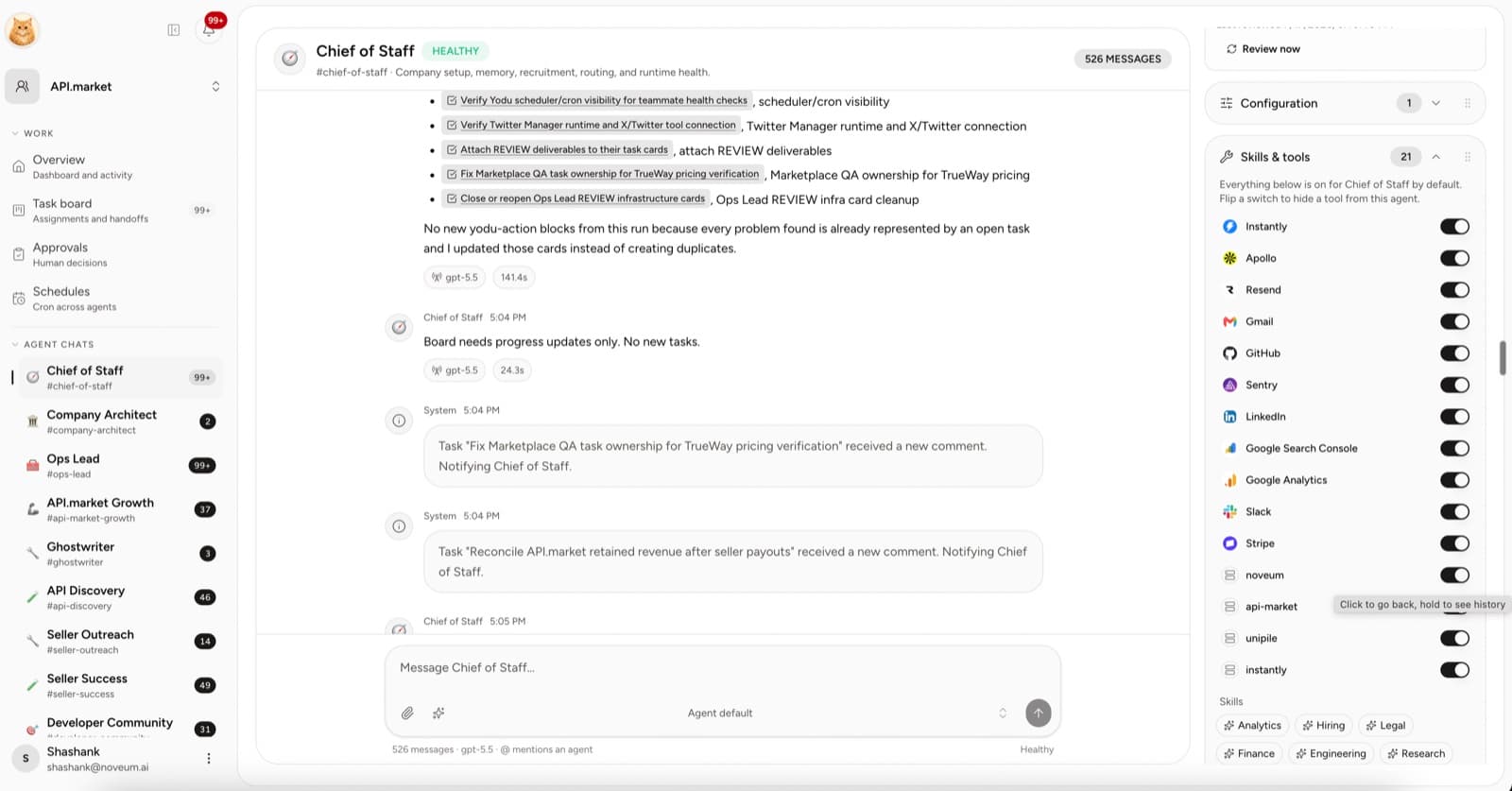
That is the whole permission model for visibility. One question per tool: should this employee see this at all? Your support lead does not need Stripe, so flip it off and Stripe stops existing for that employee.
Where the risk actually lives
The approval gate keeps doing what it always did, and now it does so without a costume. Anything external or irreversible pauses for a human decision: sending, posting, publishing, spending, deleting. The request shows up as an inline card in the chat where the employee is working, and in the Approvals queue when you want one place to clear them.
Each request carries its evidence: the action, the tool that wants to run it, the gate rule that fired, and the runtime approval id. You choose Allow once, This session, or Deny. Allow once is the default posture for a new workflow. This session is for the afternoon you are batch-clearing a proven one. Deny is a full stop, and denying costs nothing.
Two primitives, each honest: a switch that genuinely hides, and a gate that genuinely pauses.
What changed for existing workspaces
Migration was mechanical. Any grant that was not revoked became on. Revoked became off. Nothing about the approval gate changed, because the gate was already the thing protecting you; we just stopped pretending the dropdowns were.
If you had tuned a careful lattice of draft-only and approval-required settings, the honest news is that the lattice was thinner than it looked, and your real protection carried over untouched.
The rule we took from this
Every knob should change what the system does, not what the user believes. We would rather ship two controls we can enforce than four we can describe. When we add risk controls from here, they will go into the gate, where enforcement lives, instead of into a wider grid of labels.
If you want the operational side of this model, the tool connection guide walks through switching apps on for the right employee, and the audit workflow covers reviewing approvals as decisions rather than notifications.