Connect your AI employees to your business tools.
Give employees access to the apps and data they need for their jobs. Connect business accounts or custom MCP servers, then choose what each employee can do and when it must ask for approval.
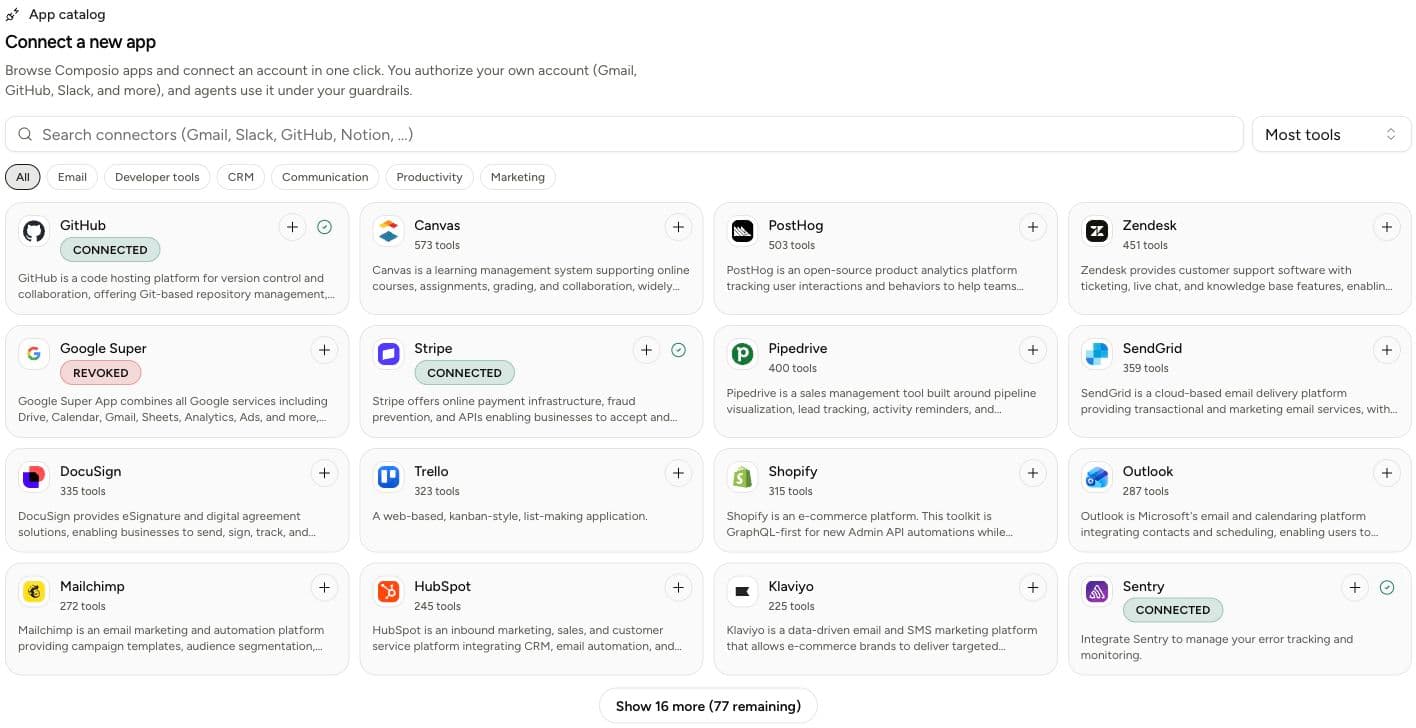
business app toolkits available through Composio
catalog, connections, access, MCP, and skills
tool and skill access with a visible autonomy mode
custom MCP endpoints can be verified and re-tested
Connect an account and choose who can use it.
Connections belong to your workspace. You decide which employees get access and can review or revoke that access as their jobs change.
Connect an account
Authorize Gmail, GitHub, HubSpot, Stripe, Calendar, or another app from the catalog. Yodu stores a redacted connection reference, not a secret in the chat.
Choose the employee
Grant the app or skill to one AI employee, several employees, or the workspace. Every grant can be reviewed and revoked.
Set the autonomy level
Choose Draft only, require approval for external actions, or allow a defined workflow to run autonomously.
Email, calendars, CRM, code, and billing.
Find the app in the catalog, review its available actions, and connect your account. Options include Gmail, Google Calendar, GitHub, HubSpot, Stripe, Notion, Shopify, Zendesk, and Resend.
Catalog availability and individual actions come from the connected provider and can change over time. Yodu shows the current toolkit before you grant access.
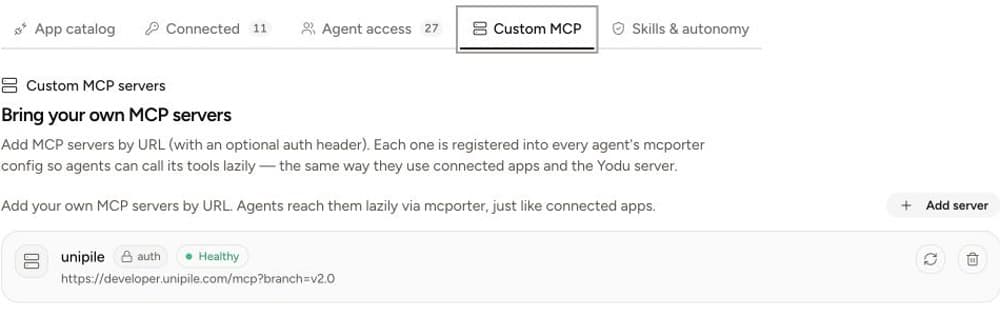
Connect internal and specialist tools with MCP.
Use custom MCP when the work depends on an internal API, a private data service, or a specialist product that is not in the app catalog. Add the endpoint, attach an optional auth header, verify the handshake, and then grant access like any other tool.
Add the HTTPS endpoint and a clear name.
Store an optional header value as an encrypted workspace secret.
Run a real MCP handshake and check the reported protocol health.
Give only the employees who need it access to its tools.
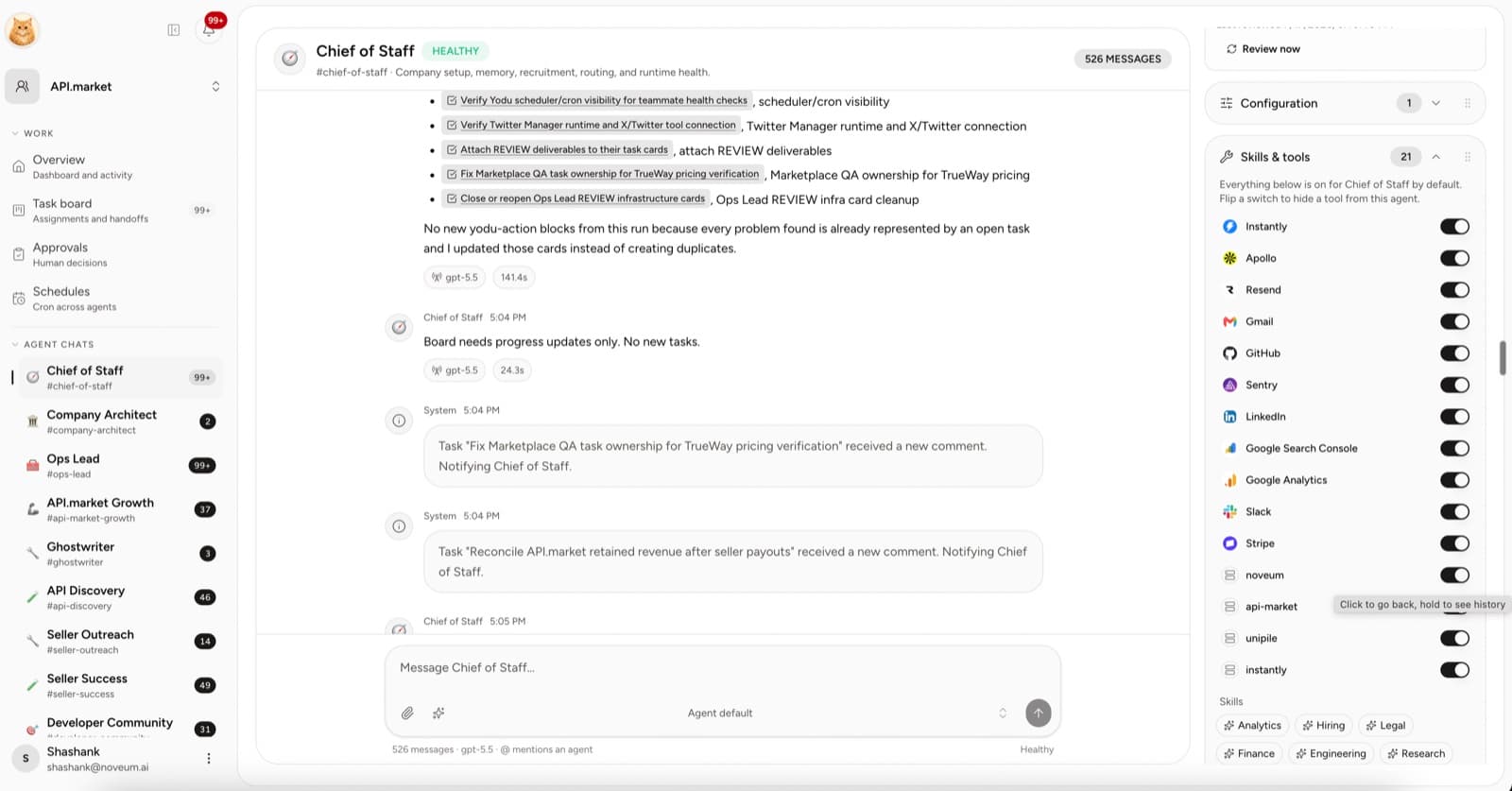
Set permissions for each employee’s job.
Let a research employee read information, a sales employee prepare drafts, or an employee request approval before issuing a refund. Review each grant and its permission mode in Yodu.
Draft only
Read context and prepare output without taking an external action.
Approval required
Require a decision before sending, publishing, spending, or changing connected data.
Autonomous
Run a bounded, reviewed workflow without asking on every safe step.
Revoked
Remove access immediately while preserving the grant history.
Use MCP to connect tools or manage Yodu.
An employee can use an external MCP server to do its job. Your own AI client can also use Yodu’s Platform MCP to manage a workspace. Each connection has its own access requirements.
Platform MCP
Claude Code, Claude Desktop, Cursor, or another external client operates one Yodu workspace through 53 curated tools and a scoped API key.
Employee MCP usage
A Yodu employee calls an approved external server while completing assigned work, subject to its tool grant and autonomy policy.
Custom MCP entries
The workspace registers and verifies a private HTTPS MCP server, stores its authorization safely, and chooses which employees receive access.
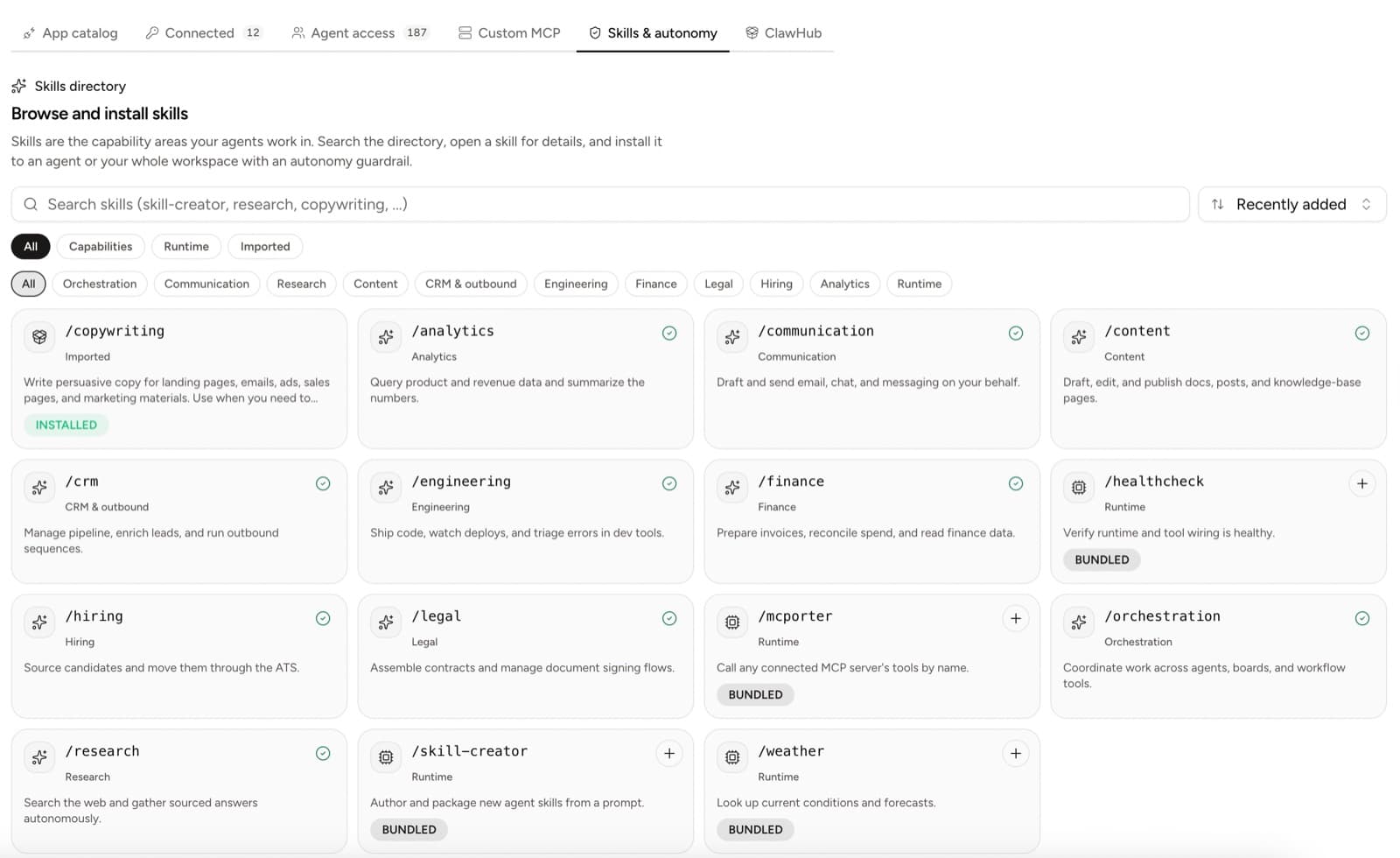
Give employees instructions they can reuse.
Skills describe how to approach a job, such as researching a prospect, reviewing code, or preparing a report. Install a skill from the directory or add your own, then assign it to the employee that needs it.
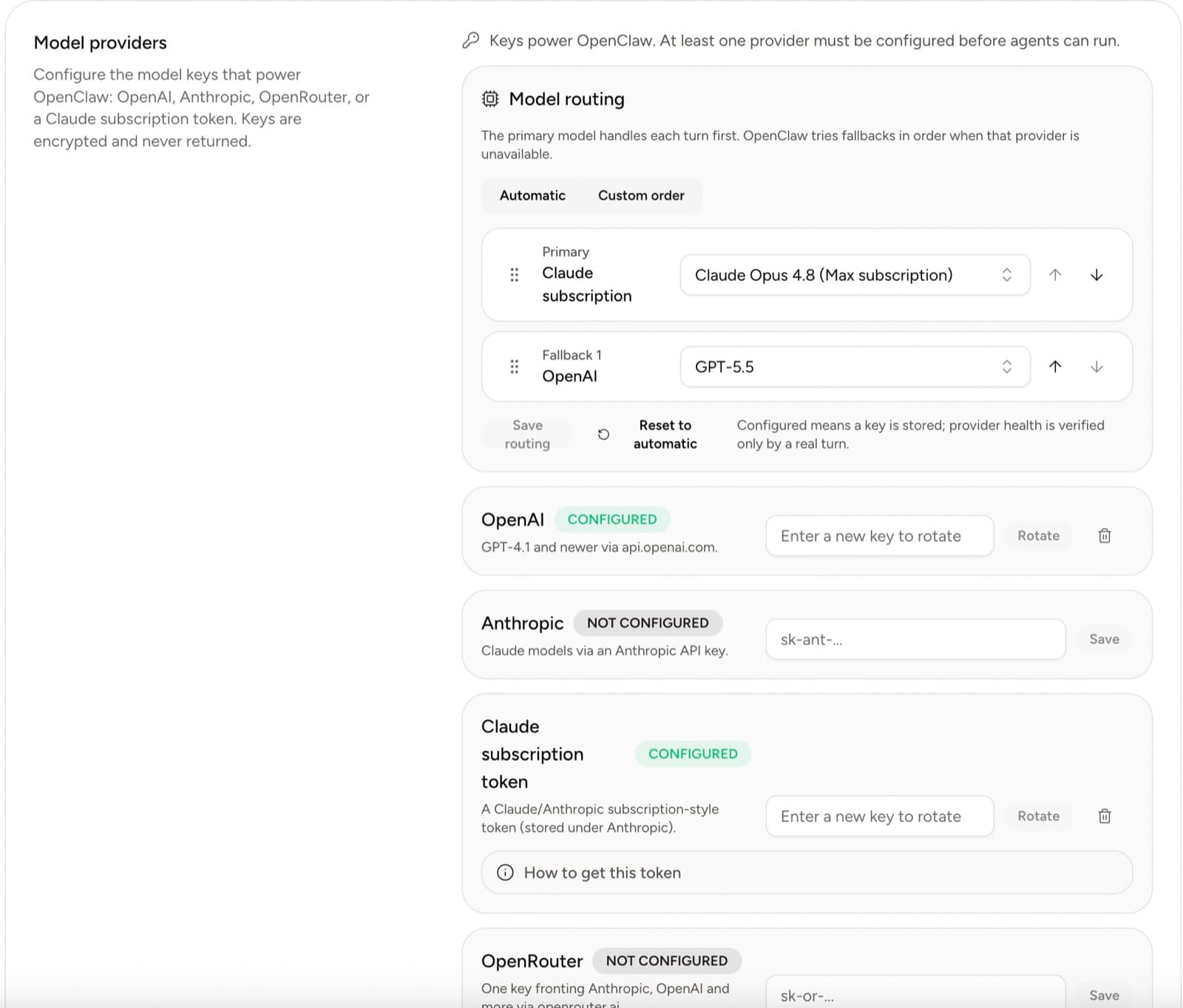
Choose how to power your AI employees.
Configure OpenAI, Anthropic, OpenRouter, or a supported Claude subscription token at workspace level. Then choose a model for an individual AI employee and let Yodu apply the change to the running workspace.
Tools and MCP questions
Connect your tools with help from Shashank.
Tell us which apps your first job needs. We’ll check the integrations with you and help configure the connections and permissions.