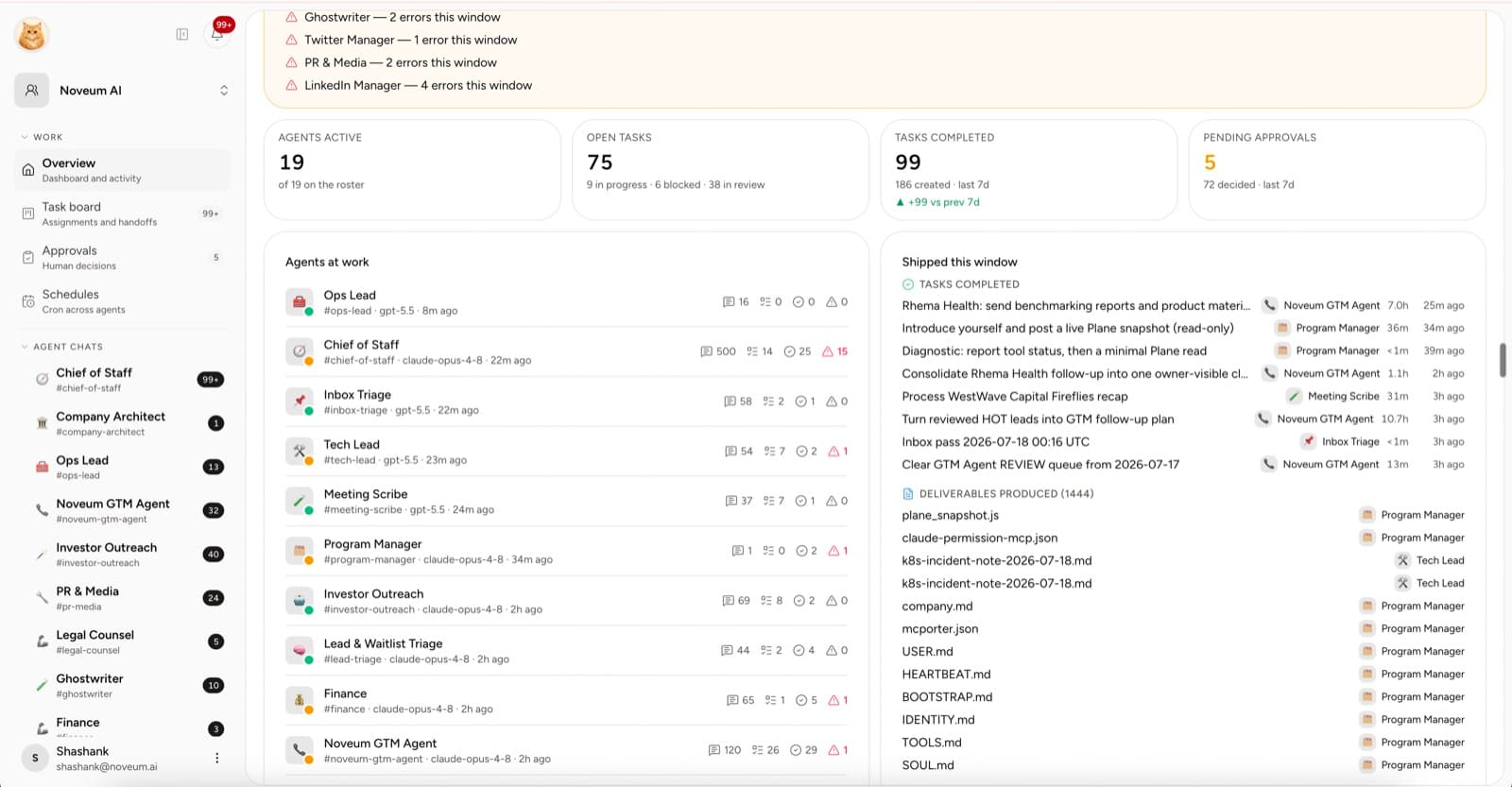
The goal of your first week is not to hire ten AI employees. It is to complete one useful loop you can inspect from brief to accepted output.
McKinsey reported in 2026 that nearly two-thirds of enterprises had experimented with agents, but fewer than 10% had scaled them to tangible value. The lesson for a small company is not “move slowly.” It is “prove the workflow, not the demo.”
Here is a practical seven-day plan.
Quick answer
Manage your first AI employee by proving one low-risk workflow in seven days: define the task, add company context, configure model access, hire one role, connect one tool, move the work through review, and compare the accepted result with the old process. Do not add more roles until that loop works.
The reason to start narrowly is not lack of potential. An NBER field study found generative AI assistance increased support-agent productivity by nearly 14% overall, but the effect varied sharply by worker experience. Your own role, context, and review process determine whether a result transfers.
Before you start: sign in and activate your workspace
Sign in with your email address at app.yodu.ai/login. The default sign-in method sends a six-digit code; you can also choose a magic link. No administrator approval is needed to sign in. Use password sign-in only if you have already set a password; an approval does not create one.
On your first visit, save your name, then create a workspace or join the one your team invited you to. You can sign in before subscribing. If your workspace needs activation, choose a subscription and enter any promotion code at Stripe checkout. An administrator can also explicitly approve a verified, non-banned workspace owner to grant access to workspaces that person owns without a subscription. If approval arrives while the activation page is open, select Check access again. Applying to the founding program is optional; you do not need to apply again to sign in.
Once your workspace is active, connect a model provider and follow the workspace setup prompts. If a save or email delivery fails, the form shows an error so you can retry without treating the step as complete.
Day 1: Pick the work
Write down ten tasks that consume founder or team time. Choose one that is:
- repeated weekly or more often
- easy for a human to verify
- based on sources you can provide
- low risk if the first draft is wrong
Good first assignments include a competitor brief, account research, a content outline, support-theme summary, or issue investigation.
Write the expected output in one sentence. If you cannot, the task is not ready.
Day 2: Create the workspace context
Create the company profile in Memory. Cover:
- what you sell
- who buys it
- how you position it
- proof the team may use
- writing or brand guidance
- actions that require review
Add only the context the first role needs. Link source files instead of pasting every company document into one memory page.
Success check: a new human teammate could read the profile and explain the company accurately.
Day 3: Configure model access
Open Organization settings → Yodu and add one provider you are authorized to use.
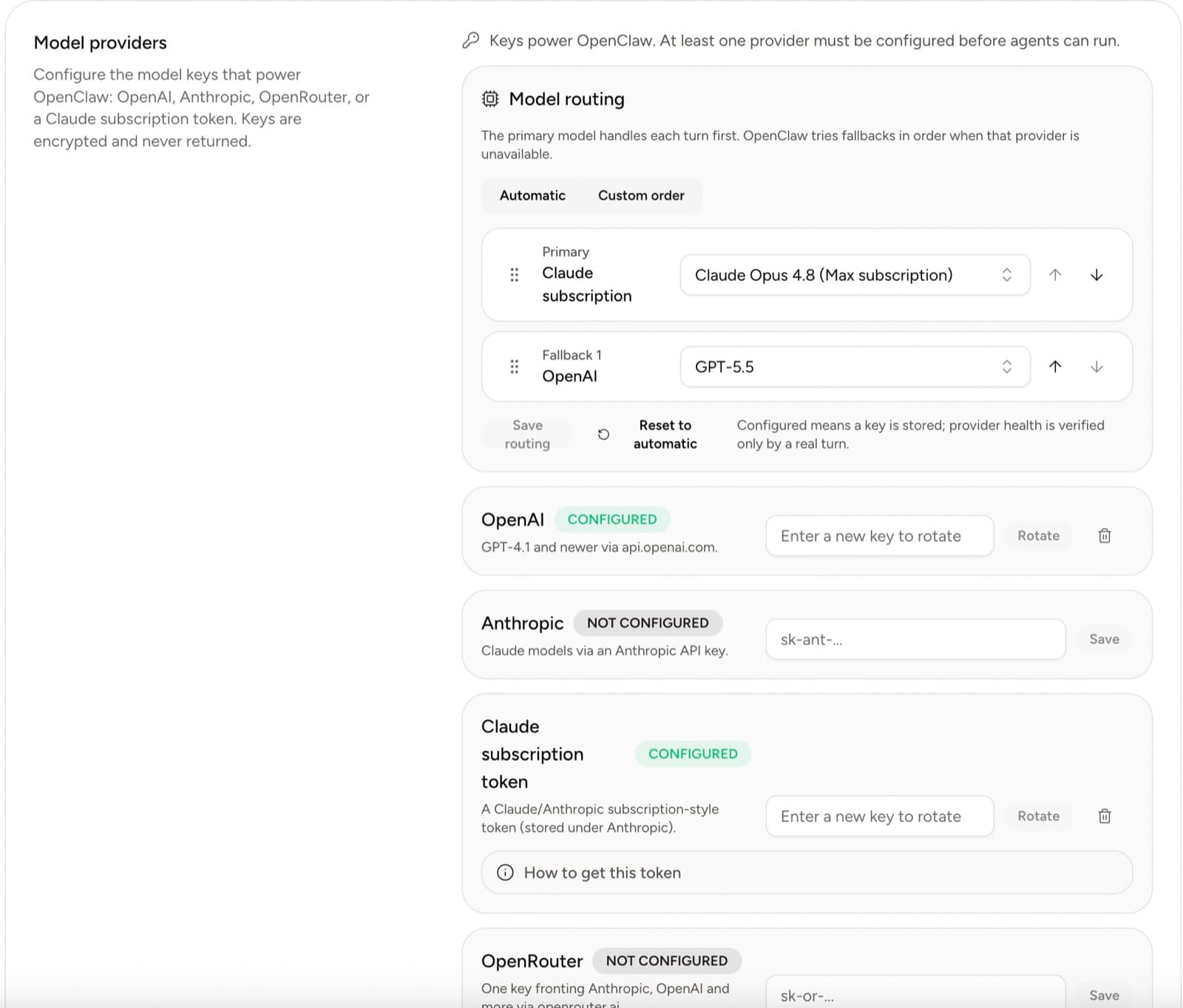
Choose an available model for the first employee. Do not spend the day benchmarking every model. Use one that meets the job, then measure accepted output.
Success check: the employee replies and the runtime remains healthy after the model change.
Day 4: Hire one employee
Open AI employees and choose the role closest to the work.
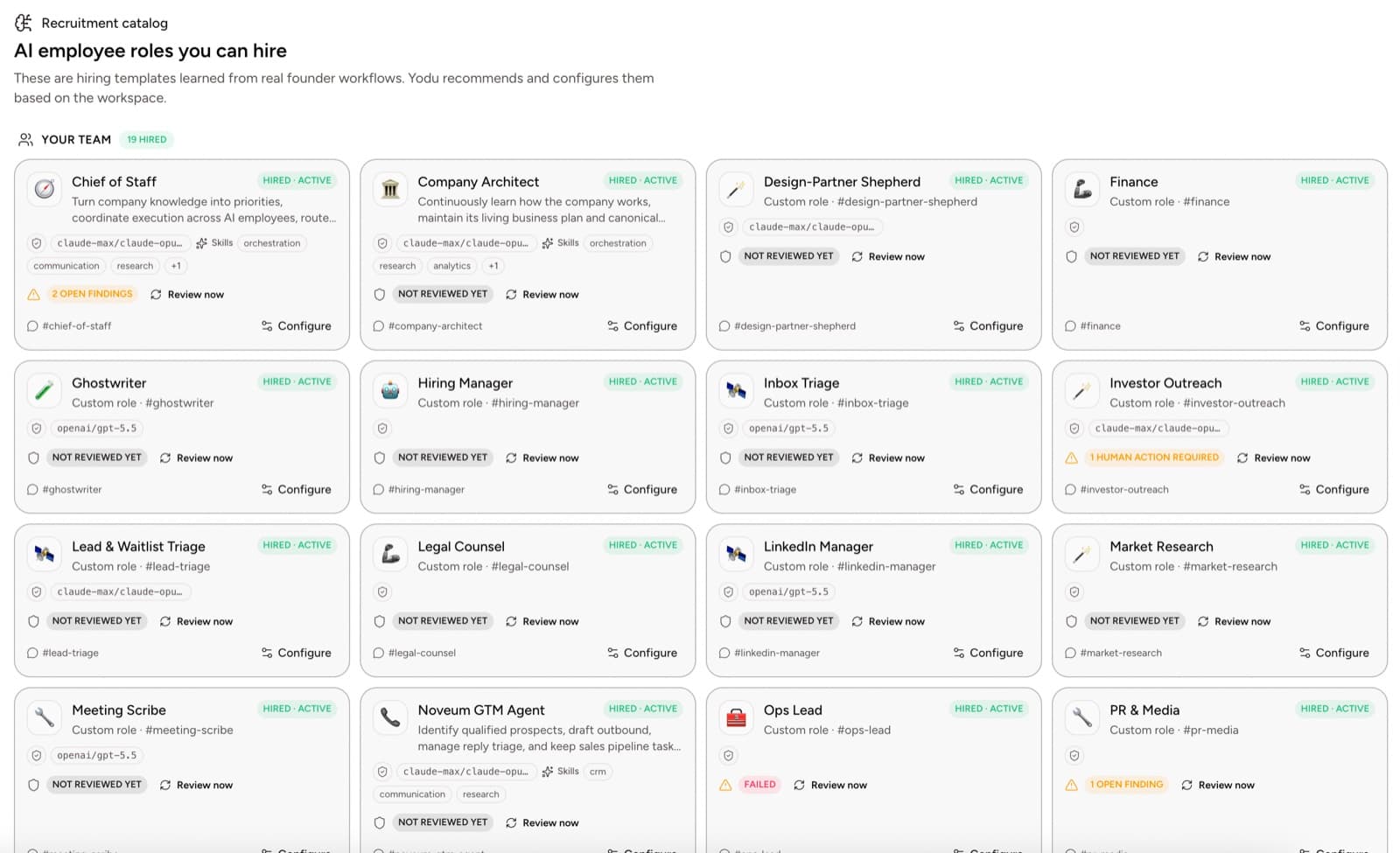
Configure:
- a recognizable name
- mission
- specific output
- non-goals
- company and role context
- human escalation owner
- the expectation that it drafts and a human sends
Success check: the employee can explain its job in practical terms, not broad promises.
Day 5: Connect one tool
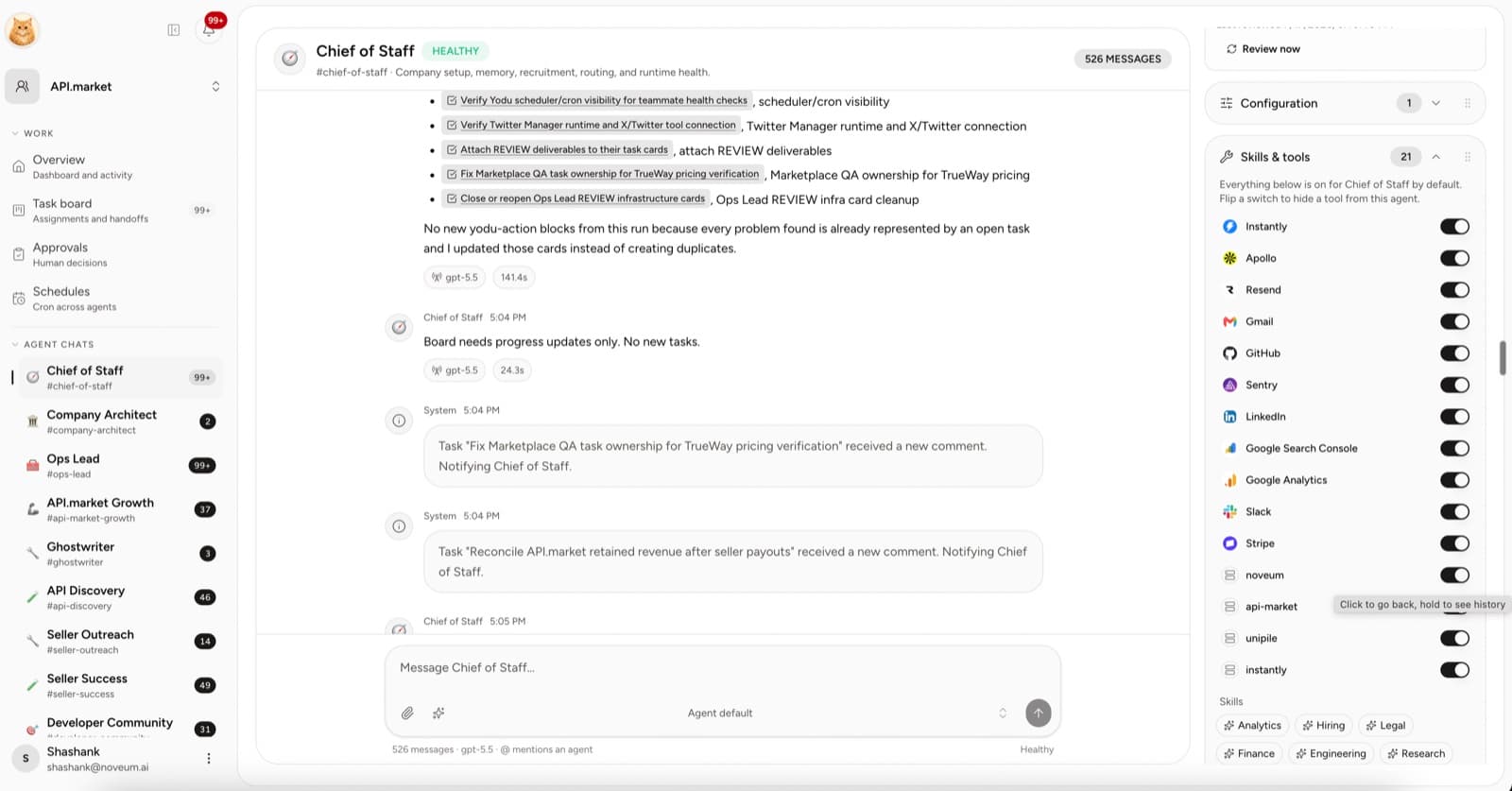
Open Tool access → App catalog. Connect only the account needed for the first assignment.
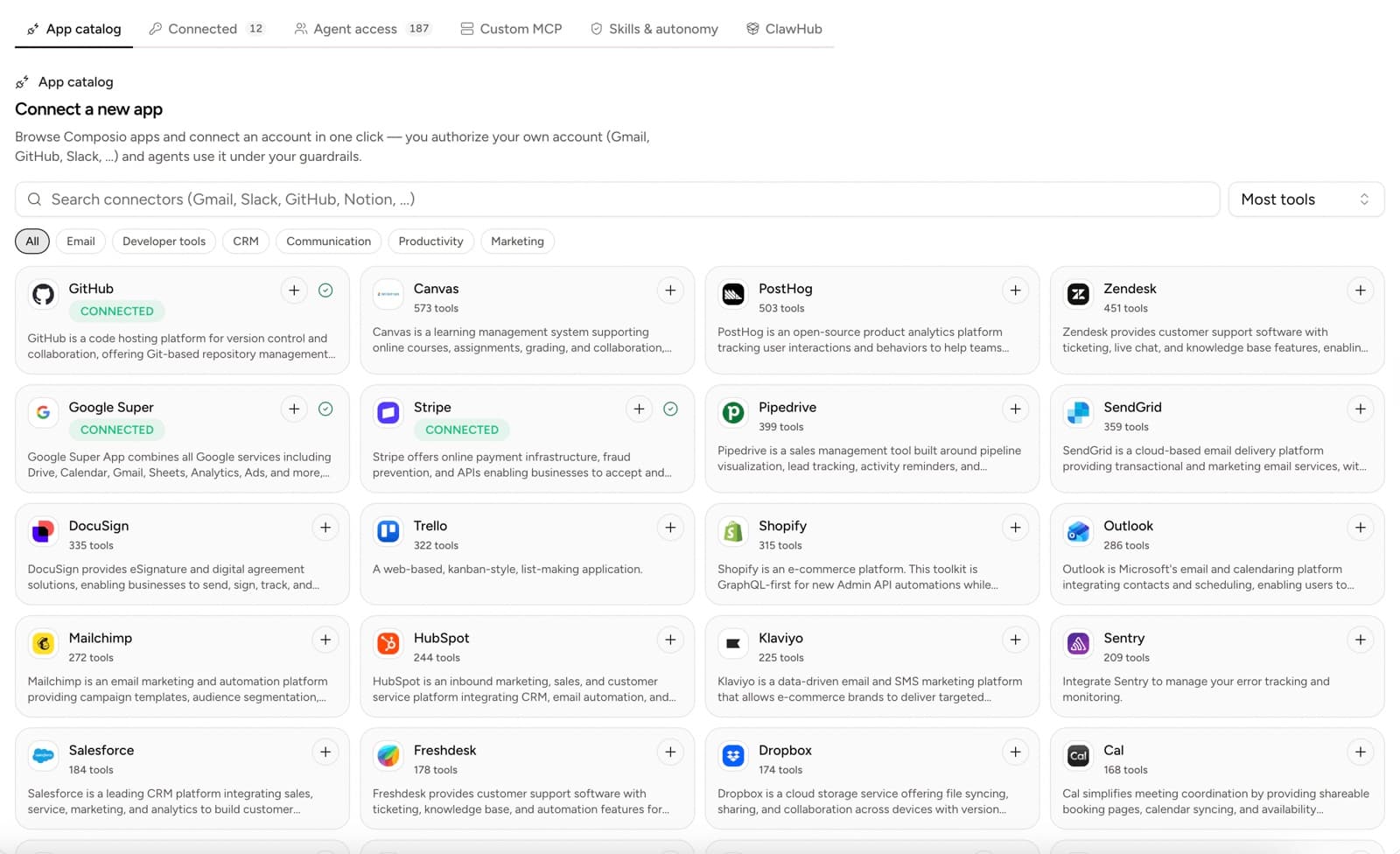
The connected app is switched on for the employee by default; each employee's Skills & tools panel holds one on-off switch per tool. With one employee hired there is nothing to narrow yet. Safety comes from the approval gate, which pauses external actions for your decision.
Examples:
| Role | First tool | The gate will hold |
| -------------------- | ----------------- | --------------------------- |
| Research analyst | CRM or files | Nothing, the work reads |
| Sales operator | Gmail | Email sends |
| Support lead | Inbox or helpdesk | Outbound replies |
| Engineering operator | GitHub | Repository writes |
| Finance operator | Stripe | Refunds and billing changes |
Success check: the employee can read or draft with the intended account and cannot take an unapproved external action.
Day 6: Put real work on the board
Create three cards:
- the primary assignment
- a smaller follow-up
- one task that intentionally lacks a required input
The third card tests whether the employee asks for context instead of inventing it.
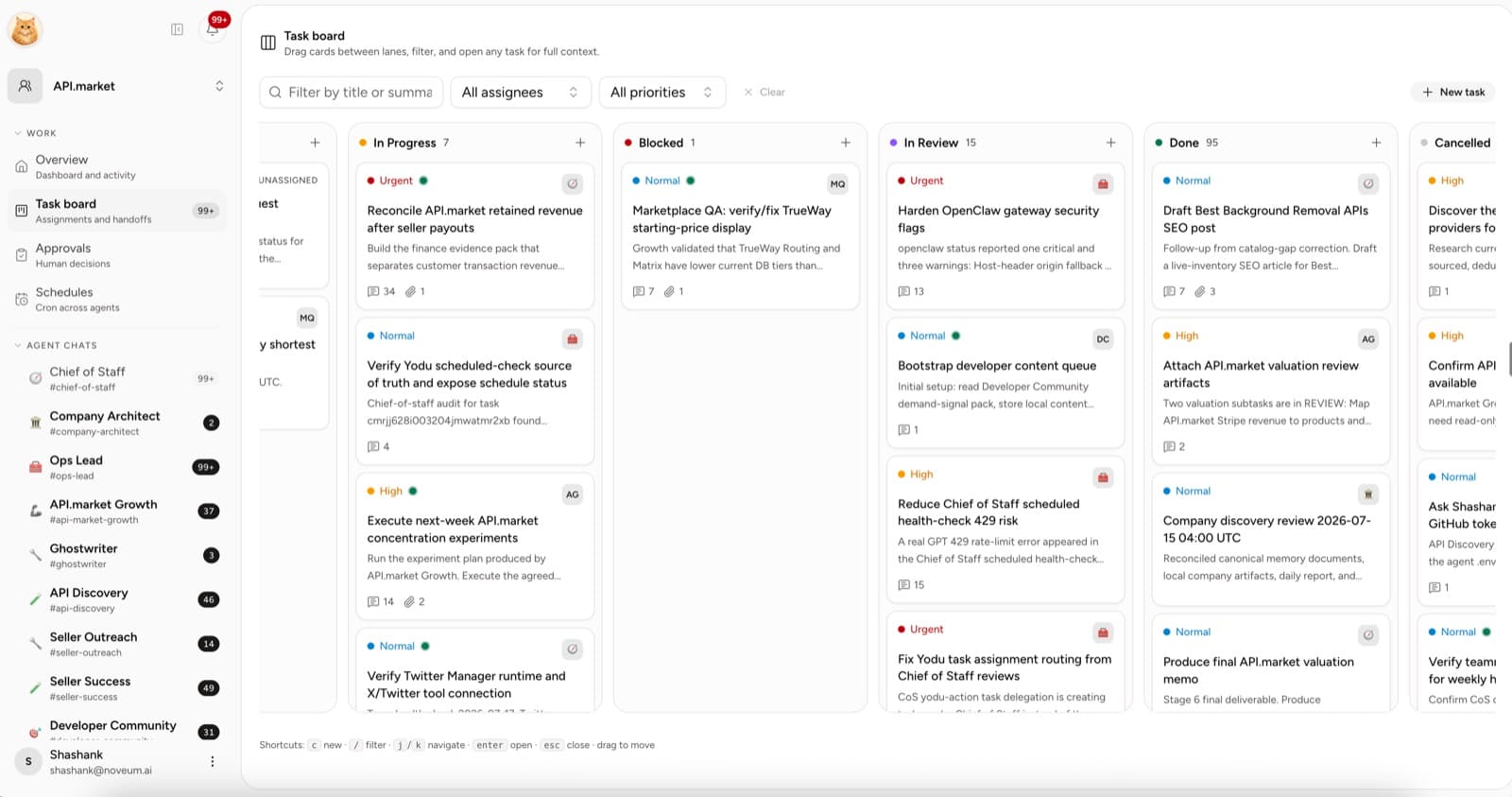
Move the primary assignment into Todo and assign the employee. Keep the expected output and source files on the task.
Success check: the work has an owner, status, and review destination.
Day 7: Review and decide
Score the output from 1 to 5:
| Area | Question |
| --------- | --------------------------------------------------------------- |
| Accuracy | Are important claims supported by the supplied sources? |
| Relevance | Did the employee solve the assigned task? |
| Usability | Can a human use the output without rebuilding it? |
| Style | Does it fit company guidance? |
| Control | Did the employee use only enabled tools and pause for approval? |
Record the corrections on the task. Update company memory only when the correction is a durable company fact. Update the role or skill when the correction is about how the job should be done.
End-of-week scorecard
Track:
- tasks assigned
- tasks accepted
- tasks needing major rework
- time from assignment to review
- time blocked on a human
- model and paid-tool spend
- one thing to change in the role brief
Do not compare the week to a hypothetical perfect employee. Compare it to the way the work happened before: founder time, delay, missed follow-up, and coordination cost.
What happens in week two
If the first loop works:
- schedule the repeatable version
- add two or three similar tasks
- switch on one more tool if the work needs it
- hire the next role only for a different bottleneck
If it does not work, do not add more employees. Fix the brief, context, sources, or access and run the same class of task again.
The first week is successful when you have one role you understand, one workflow you can measure, and one piece of work you would genuinely have paid someone to complete.
Prepare the workspace
Use the first-workspace setup guide, define the ROI scorecard, then read the operating model for running a company with AI employees before expanding the team.