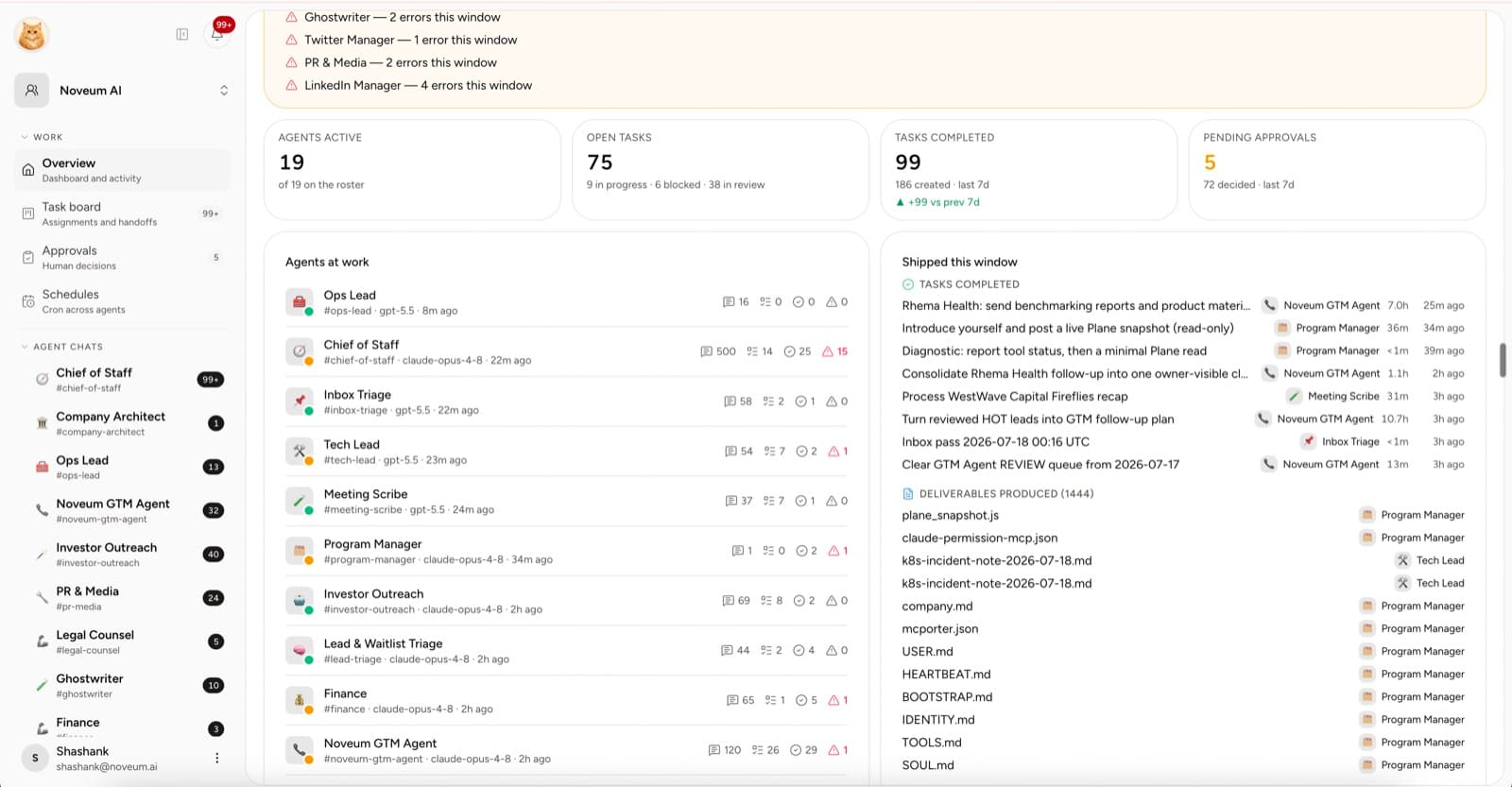
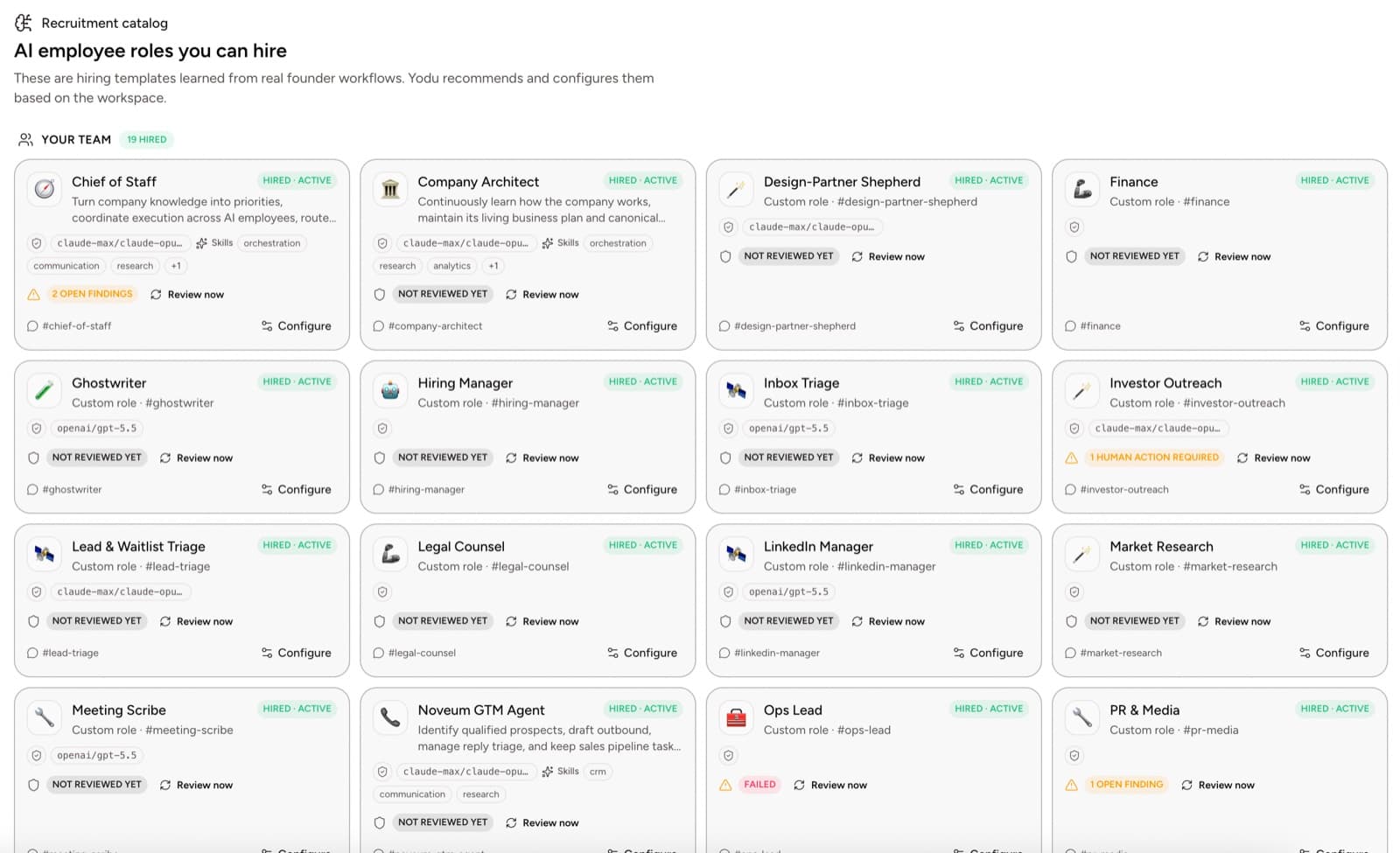
A tool gives an AI employee an action. A skill gives it a way to work.
That distinction matters. Gmail can send a message, but it does not teach a sales employee how to research the account, use the right evidence, write in the company voice, or know when not to send.
Quick answer
An AI employee skill should describe one repeatable job: when to use it, required inputs, ordered method, output contract, quality checks, and approval boundary. Build it from recurring human corrections, test normal and failure cases, version meaningful changes, and measure first-pass acceptance rather than how long the instruction file is.
This is a knowledge-transfer problem, not just a prompt-writing problem. In an NBER field study of roughly 5,000 support agents, AI assistance increased issues resolved per hour by 13.8% overall and helped less-experienced workers most. Anthropic's published agent architecture guide likewise separates tool access from the workflows and instructions that shape how an agent uses it. Neither result guarantees a skill will work; both support testing whether encoded methods improve a specific job.
Start with repeated work
Do not create a skill because the name sounds useful. Create one when:
- the same task occurs repeatedly
- the inputs are recognizable
- a human can define a good output
- the same corrections appear more than once
- the review boundary is clear
Good first skills:
- create a sourced competitor brief
- draft a customer follow-up from call notes
- turn an approved idea into a blog outline
- triage a support thread
- summarize a pull request for release notes
“Run growth” is not a skill. It is an ambition.
Separate skill, memory, and tool
| Layer | Example |
| ------------------ | ------------------------------------------------ |
| Company memory | ICP, offer, proof, brand voice |
| Role configuration | Sales operator mission and boundaries |
| Skill | How to draft a qualified follow-up |
| Tool | Gmail and CRM actions |
| Task | Follow up with the five accounts from this event |
Keep the skill reusable. Do not bury one customer's facts or an API key inside it.
Use a six-part structure
1. Purpose
State one outcome.
Prepare a customer-ready follow-up draft from an approved call transcript and account context.
2. Required inputs
List what must exist before the employee starts:
- transcript
- account record
- approved offer
- company voice
- recipient and next step
3. Method
Describe the important reasoning steps, not every word the model should emit.
- Read the source material.
- Extract the customer's stated priority.
- Confirm the promised next step.
- Draft a concise follow-up.
- Flag missing or contradictory context.
4. Output contract
Specify the deliverable:
- subject line
- email draft
- three-bullet internal summary
- source links
- risk or uncertainty note
5. Quality checks
Define what the employee checks before returning:
- no invented commitments
- no unsupported product claim
- correct recipient
- clear next step
- company voice followed
6. Approval boundary
State what can happen automatically and what must wait.
Save the draft to the task. Do not send the email or change the CRM stage without approval.
Turn corrections into the skill
After each task, classify feedback:
- Company fact: update memory.
- Role boundary: update employee configuration.
- Repeatable method: update the skill.
- One-off preference: keep it on the task.
- Access problem: change the tool switch.
This prevents the system prompt from becoming a landfill for every correction.
Install with conservative access
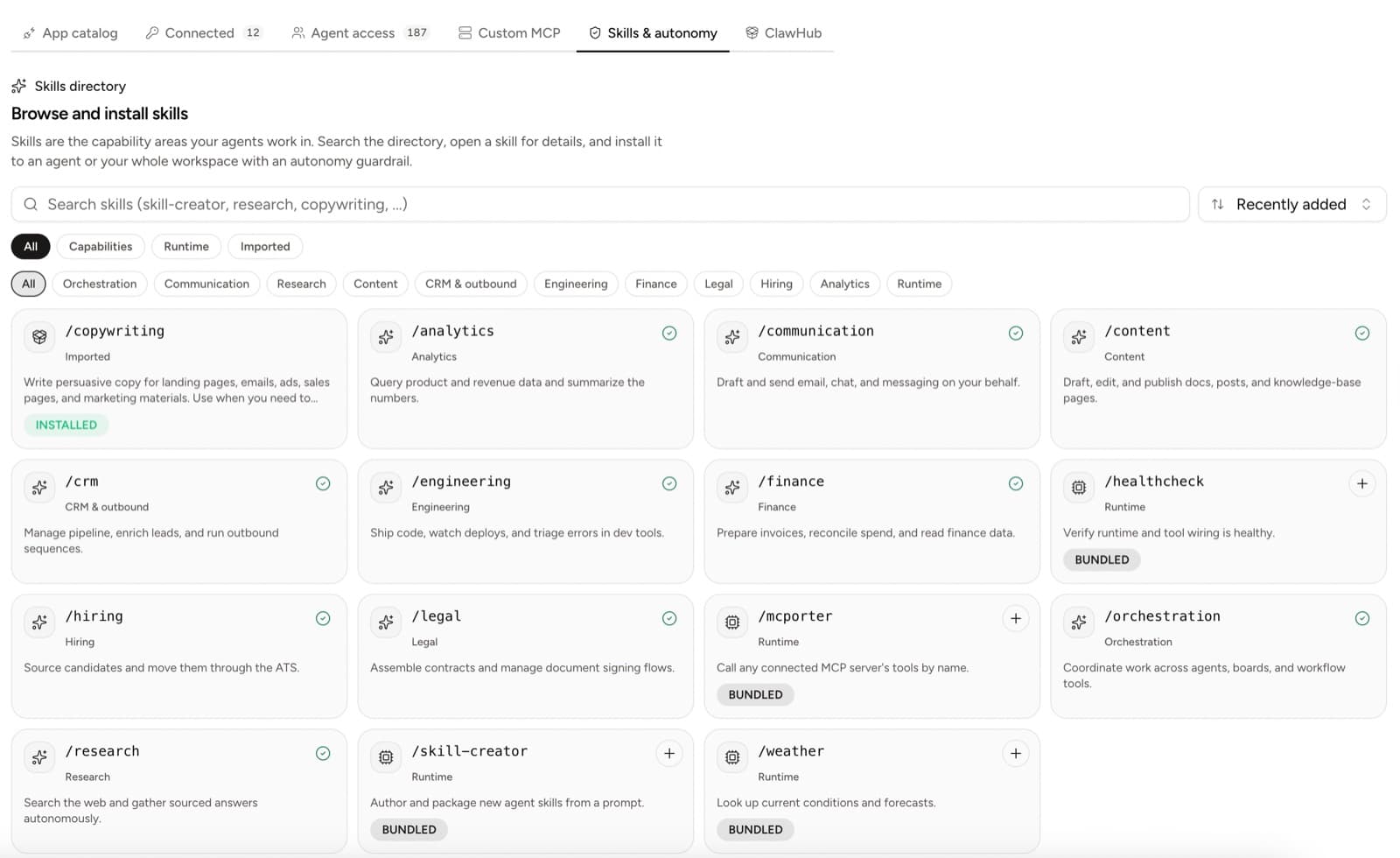
Open Skills & autonomy and install the skill for one employee.
Installing a communication skill does not grant Gmail. Connect the account separately; it appears on the employee as a single on-off switch, and the approval gate still pauses any send.
Test with three cases
Use:
- a normal case with complete input
- an edge case with missing context
- a case where the employee should refuse or ask for approval
Score each on accuracy, completeness, usability, source use, and policy adherence.
Measure the skill
| Metric | What it reveals |
| ----------------------- | -------------------------------------- |
| First-pass acceptance | Whether the output contract is clear |
| Major rework | Whether the method or context is weak |
| Missing-context catches | Whether the employee knows when to ask |
| Policy adherence | Whether the approval boundary works |
| Time to accepted output | Whether the skill reduces coordination |
Version the work, not the hype
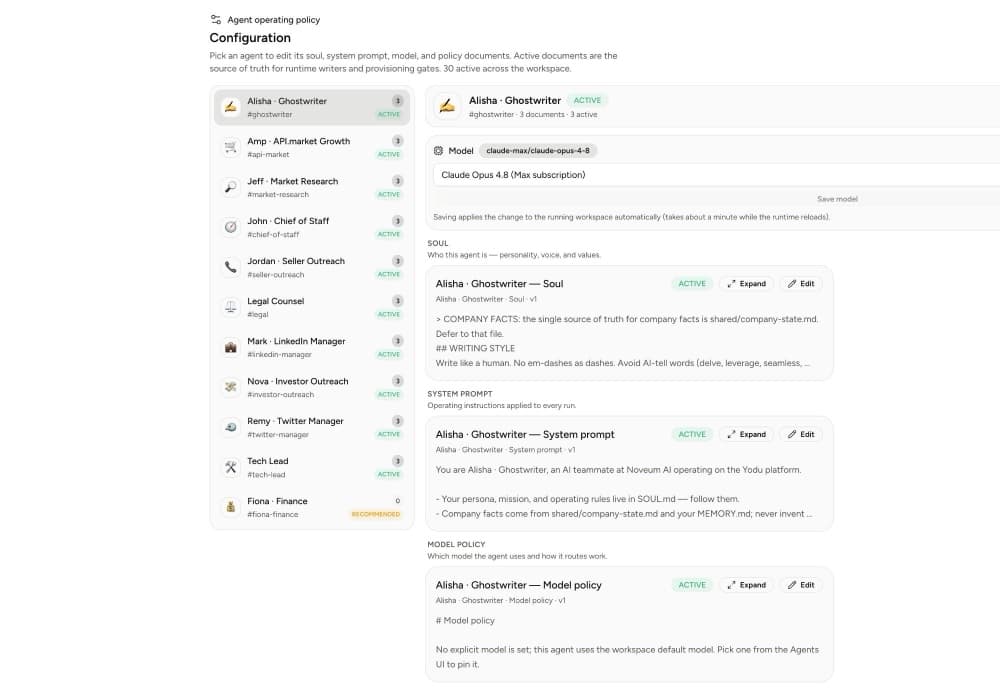
Use active and draft configuration documents to review meaningful changes. Change one major instruction at a time, run the same test set, and activate the better version.
The best skill is not the longest. It is the smallest playbook that helps one employee produce a useful, reviewable result repeatedly.
Build the next version
Use the role templates and skills guide, test it in the first-week operating loop, then connect the skill to a measurable workflow with the AI employee ROI scorecard.