#ai-employees#mcp#model-access
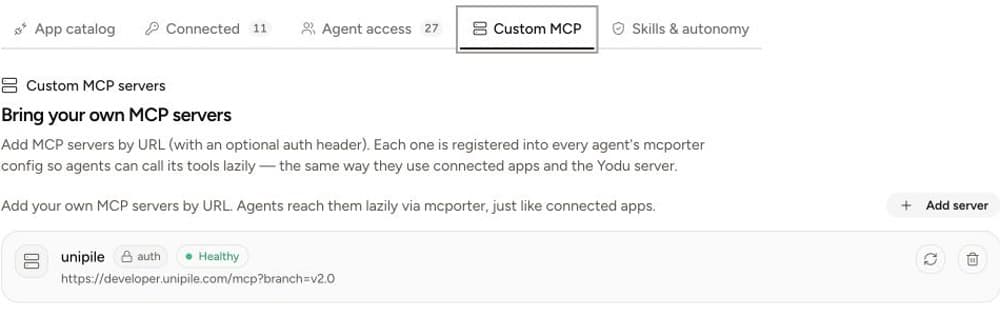
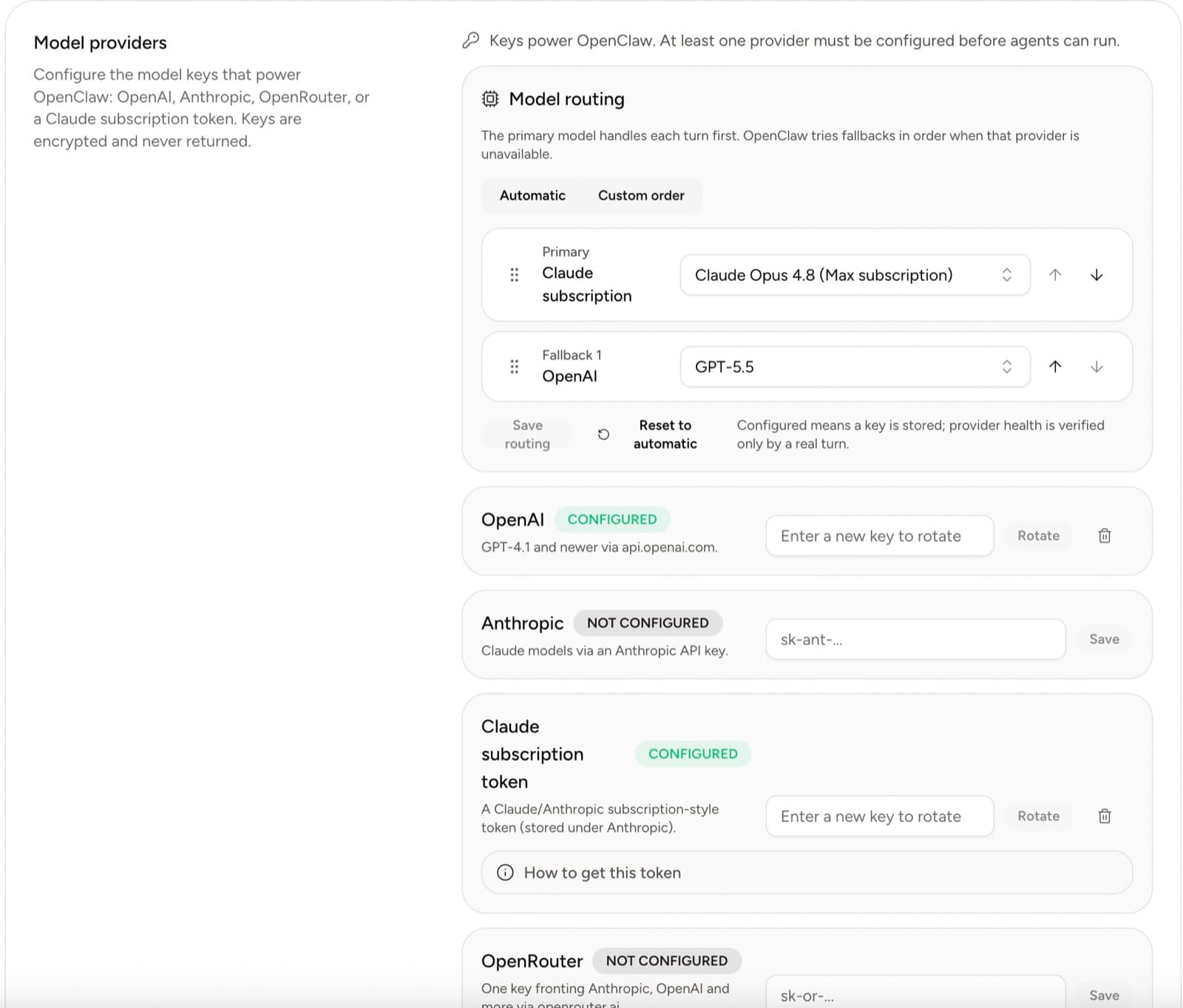
Bring your own models and private tools to YoduHow to configure your own model access, add a remote MCP server, verify health, and grant private capabilities conservatively.
Yodu team
Yodu team
Updated · 5 min read
Create a client-specific key under Settings → MCP & API, add https://app.yodu.ai/api/mcp to Claude Code with the HTTP transport and bearer header, then begin with get_workspace. Confirm the workspace before creating tasks, memory, or employees. Yodu exposes 53 curated tools; configuration requires owner or admin access, protected values use write-only tools, and no tool can read a stored secret value, manage billing, change members, or delete the workspace.
Claude Code is useful for more than repository work. It can plan a project, inspect technical context, and coordinate a sequence of changes. Yodu gives that work an organizational destination: named AI employees, shared memory, a task board, role configuration, skills, schedules, approvals, files, and runtime visibility.
The Model Context Protocol architecture gives clients a standard way to discover tools instead of relying on a custom prompt convention. Yodu's Platform MCP turns selected workspace operations into those discoverable tools.
This direction matters. Platform MCP lets Claude Code operate Yodu. It is different from a custom MCP server that a Yodu employee calls while doing its own work.
Open the intended workspace, then Settings → MCP & API. Name the key for the client and device, for example:
Claude Code — Shashank MacBookCopy the token immediately. Yodu shows it once, stores a hash, and later displays only its prefix and last-use state.
A separate key gives you a clean revocation boundary. If the laptop is retired or the client configuration changes, revoke that one connection without breaking a reporting service or another teammate's client.
Run:
claude mcp add --transport http yodu https://app.yodu.ai/api/mcp \
  --header "Authorization: Bearer YOUR_YODU_API_KEY"
The endpoint uses stateless Streamable HTTP. The authorization header must be sent on every request.
Do not commit the command with a live token to a setup script, paste it into an issue, or save it in Yodu memory. Use a protected environment or client secret mechanism where possible. The MCP authorization specification is a useful reference for the broader remote-server authorization model; the key in Yodu's current client configuration is a workspace-scoped bearer credential.
Ask Claude Code to list the Yodu tools, then use this sequence:
get_workspaceget_workspace_overviewlist_agentslist_tasksget_runtime_healthget_runtime_stateRead the workspace name. If it is not the one you intended, stop. Revoke the key, switch workspaces in Yodu, and create a replacement. There is no organization argument that should be used to override the binding.
The full Platform MCP quickstart and client setup guide preserve the exact endpoint and configuration formats.
The tools form four practical groups.
Use the read tools to inspect workspace identity and activity, employees and role templates, memory, tasks, runtime health, and configured secret names and metadata. These require workspace:read and current membership. list_secrets never returns credential values.
When a provisioning or repair tool returns a runtime commandId, use get_runtime_command_status with that ID to follow its safe status and retry timing. The tool does not expose the command payload, result, raw error, worker identity, or host details.
create_task, create_memory, and update_memory require workspace:write. These are good first mutations because the result remains visible and reviewable inside Yodu.
Owner or admin users can create and provision employees, write operating documents, select models and skills, switch tools on or off per employee, and provision reviewed custom files beneath an employee's skills/ or scripts/ path. These actions use workspace:write, but still recheck the user's current manager role.
The custom MCP, model-provider, and workspace-secret tools require secrets:write. A workspace secret can be shared by all employees, or an employee-scoped secret can override the same name for one employee. Values are encrypted and never echoed in tool results. The point is to let a trusted client install a credential without turning Yodu into a credential-reading interface.
See the exact 53-tool Platform MCP reference before building a reusable prompt or automation.
Use Claude Code to turn a technical plan into visible workspace work:
list_agentslist_tasksThis pattern keeps planning in the client and the durable work record in Yodu. It also avoids the common failure mode where an assistant creates ten speculative tasks before a human has approved the shape of the project.
Platform MCP deliberately does not expose billing, platform administration, member access, workspace deletion, user impersonation, stored-secret reads, raw runtime bootstrap, or container lifecycle controls. Owners and admins can use repair_workspace_runtime, which takes a safety backup before repair.
An absent tool is a boundary, not an invitation to call a private application route. Use the Yodu app for sensitive administration.
Return to Settings → MCP & API, find the named prefix, and revoke it. Keep one key per client so this action is immediate and narrow.
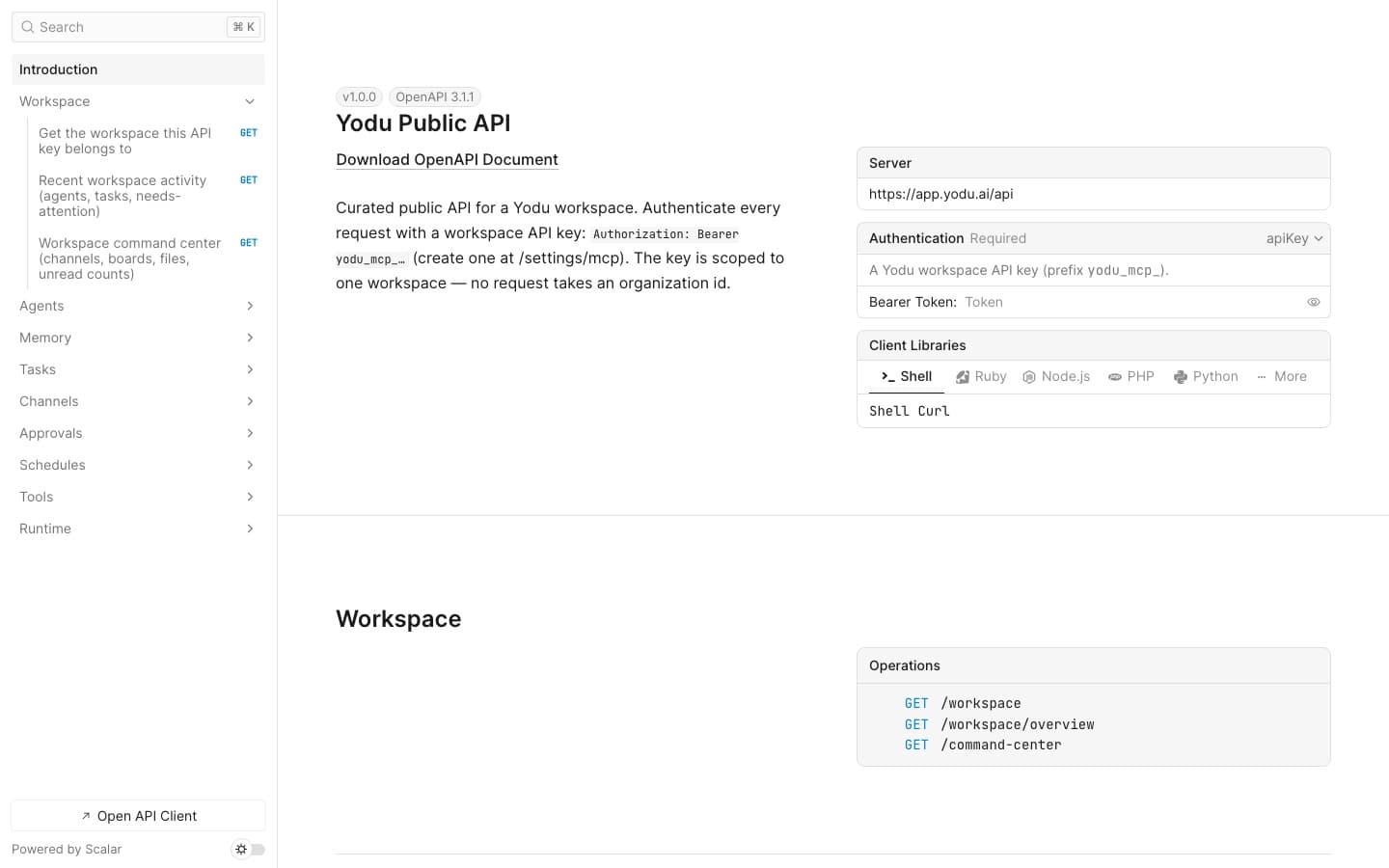
For a service-oriented integration instead of a conversational client, use the Yodu REST API guide. For employee access to external systems, use MCP servers and AI tool integrations.
Practical guides related to this workflow.
How to configure your own model access, add a remote MCP server, verify health, and grant private capabilities conservatively.
Yodu team
How to scope a remote MCP server, protect authorization, test health, review exposed tools, and roll access out to one AI employee at a time.
Yodu team
How our AI employees review search performance, find gaps in the API catalog, research providers, and prepare seller outreach for approval.

Shashank Agarwal